Here is the fact that should frame any printer purchase: by one calculation, a litre of printer ink costs more than a litre of luxury perfume.
The machine is rarely the expensive part. What you spend over the years it lives on your desk is decided by the technology you choose on the day you buy it, and that is where most printer buying goes wrong.
Inkjet or laser — the cost-per-page question
Inkjet remains the most popular technology for home use. Laser has been steadily taking ground, first in offices and increasingly among households that print in volume.
The trade is straightforward once stated plainly:
- Laser costs more up front but the cost per printed page is usually lower. That is precisely why offices, with their high print volumes, run laser.
- Inkjet is cheaper to buy and better suited to occasional use and photographs.
The useful development is that mono lasers have become relatively affordable, which makes them a genuinely sensible home choice in a way they were not a few years ago. If you print regularly, the higher purchase price pays itself back through the cartridge.
How fast do you actually need?
Print speed is quoted in pages per minute, and the useful benchmark is lower than the marketing suggests: for occasional home use, around 10 pages per minute is perfectly adequate. Speed only becomes the deciding specification once you are regularly printing substantial documents — at which point the gap is dramatic, because the range across this field runs from about 5.5 pages per minute to 34.
Mono or colour — answer honestly
Look at what you actually print rather than what you might.
If most of it is text and invoices, a monochrome laser gives you reliability, a low cost per page and consistent print speed — and black-and-white machines generally need less maintenance too.
If you also print presentations, graphics, marketing material, or colour schoolwork for children, you need colour and should not talk yourself out of it. But buying colour "just in case" is how people end up with an expensive machine and dried-out cartridges.
The third option: refillable ink tanks
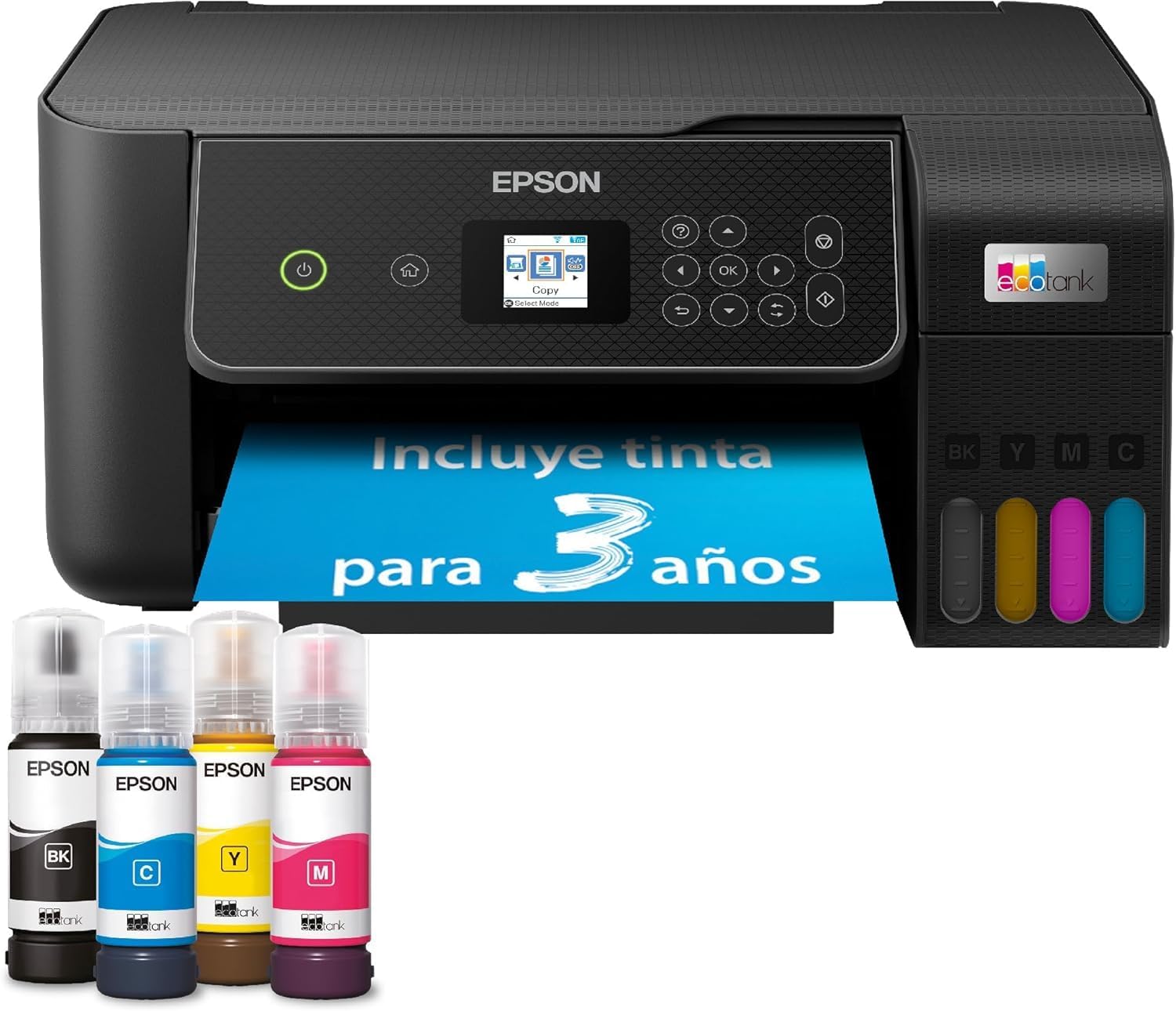
Tank printers replace cartridges with refillable reservoirs, and they are the answer for households that want colour and inkjet quality without cartridge economics. The top pick below is one, and it is the reason it leads this guide despite costing more than several alternatives.
Ink dries out — plan for it
This is the single most common failure in a home printer, and it is worth understanding before it happens rather than after.
Ink dries if the printer sits unused, or if the temperature and humidity are unsuitable. When it does, it can clog the print heads — which is a repair problem, not just a wasted cartridge. How long that takes depends on the model and the environment: a couple of weeks is enough in some cases, though ink typically survives at least one to two months of inactivity.
Five things genuinely help:
- Print something occasionally, even a test page.
- Run the self-cleaning cycles periodically — this also extends cartridge life.
- Cover the printer if it will be idle for a while.
- Avoid temperature extremes where it is sited.
- Remove and store the cartridge if you will not use the machine for an extended period.
This is also why a printer can seem slow to start: after a period of disuse it runs an automatic head-cleaning cycle before it prints anything. A newly connected machine may also be checking for firmware updates. Neither is a fault.
Refilling cartridges, and who stops you
Some cartridges can be refilled, and it genuinely reduces both cost and waste — refill kits and specialist services exist for the purpose.
Two caveats matter. Not every cartridge is designed to be refilled. And more importantly, some manufacturers actively prevent it: certain printer makers, HP among them — which has been sued over the practice — use detection systems that identify a refilled or non-official cartridge and simply refuse to recognise it.
If lifetime running cost is your priority, check that policy before you buy the printer, not after you buy your first third-party cartridge.
When printing goes blurry or streaky
Usually one of three things: clogged print heads, low ink, or misaligned cartridges. Beyond those, look for foreign material inside the machine — a small scrap of paper is a classic — or accumulated dust. The last common cause is simply the wrong paper for the job.
Wi-Fi Direct, briefly
Worth knowing because it solves a specific annoyance. Wi-Fi Direct connects devices — printers, televisions, phones — without a router, access point or internet connection. For printing it means you can send a document straight from a device without either machine being online. It behaves rather like Bluetooth, but is up to ten times faster.
How long should a printer last?
It depends on technology and use, but the pattern is consistent: laser printers generally outlast inkjets, and with good maintenance in a working environment some models last a very long time indeed. Combined with the cost-per-page difference, that is the real argument for laser if you print regularly.
The picks
Best overall — Epson EcoTank ET-2870. A multifunction ink-tank machine that avoids cartridge economics entirely, with very good print quality. It carries a small 3.7 cm LCD panel and ships with enough ink for a claimed three years. It is a little noisy in use, which is the one consistent complaint.
Best value first-brand laser — HP LaserJet M209d. Fast, reliable and inexpensive, with excellent value for what it costs — up to 29 pages per minute in black and white, which is genuinely quick for the money. It is not the machine for putting photographs on paper.
Cheapest colour multifunction — Canon PIXMA TS3750i. Prints, copies and scans for very little outlay. It is not fast: 7.7 pages per minute in mono and four in colour, so it suits light use rather than document volume.
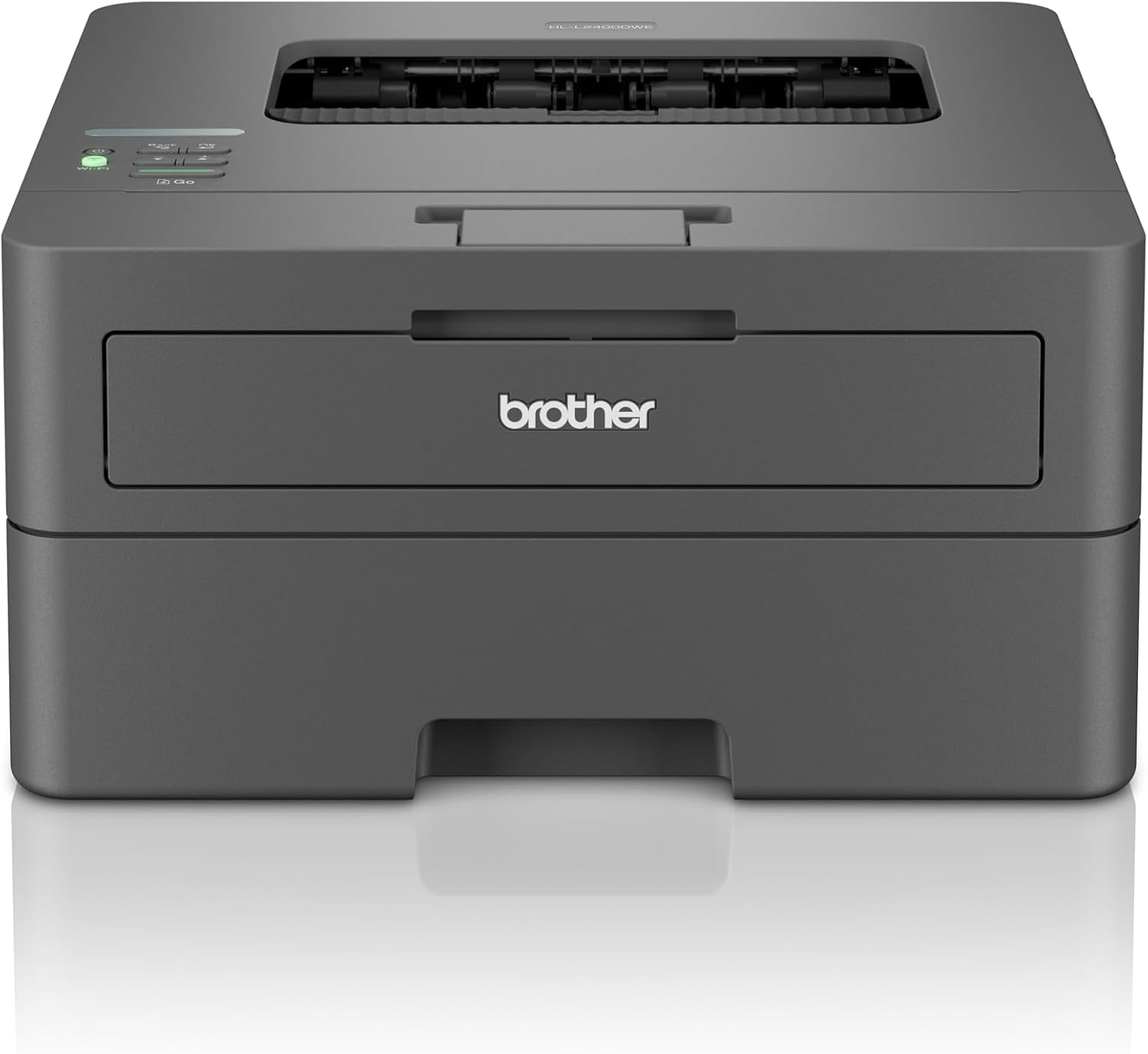
Best compact mono laser — Brother HL-L1240W. Fast at 20 pages per minute, reliable, compact and comfortable with moderate volumes, with a 150-page paper tray. No colour at all, which is the point rather than a flaw.
Best budget multifunction — HP DeskJet 2820e. Inexpensive, compact and well connected. Speed is not its strength: 7.5 pages per minute in mono and 5.5 in colour.
Best for high volume — Brother DCP-L2660DW. A mono laser that reaches up to 34 pages per minute, for households genuinely printing large quantities of documents. It is not especially cheap, which is the trade for that throughput.
Model numbers to check
Epson's EcoTank range is unusually easy to confuse: alongside the ET-2870 recommended here, UK listings carry the ET-2861, ET-2860 and ET-2911 at similar prices with near-identical descriptions. The digits are the whole difference — check them against the model you actually intend to buy.
Before you buy
Four questions. What do you print, honestly? Text and invoices point to mono laser. How often? Infrequent printing is what kills inkjet cartridges. Will you want third-party ink? Then check the manufacturer's cartridge-detection policy first. And is a tank printer the answer? — if you want colour inkjet quality without buying cartridges forever, it usually is.
If the tank option is what interests you, our best ink tank printers guide goes deeper on it.