A WiFi repeater is the simplest cure for dead spots — the back bedroom, the garden office, the far corner where the signal gives up. It grabs your router's wireless and rebroadcasts it, extending coverage without running cables. An extensive group test measured repeater speeds across the bands and, this time, one maker swept the board: the Berlin firm AVM, whose Fritz repeaters took the top places. These are the ones worth buying — with one important caveat for British homes, below.
The short version
What to Look For
WiFi standard and bands set the ceiling. The cheapest repeaters speak only the old WiFi 4 (WLAN-n) standard — slow, and stuck on the crowded 2.4 GHz band. Better units add WiFi 5 (WLAN-ac) and the faster 5 GHz band; the best add WiFi 6 (WLAN-ax) for a big speed boost, or the newest WiFi 7 (WLAN-be) with MLO. As a rule, avoid the very cheapest of any standard, as they skimp on the WLAN management that keeps a network smooth.
Close versus far matters more than the badge. WiFi 6 delivers its highest rates only with an excellent signal, which usually means near the router or repeater; over longer distances the older WiFi 4 and 5 standards are often the better choice, and WiFi 6 client devices currently carry at most two antennas. A WiFi 6 router with four or more antennas cannot show its full potential against a single such device. If you do not own a WiFi 6 router, there is no shame in buying a WiFi 5 repeater — among the WiFi 5 units, the FritzRepeater 3000, the FritzRepeater 2400 and the Netgear Nighthawk X6S (EX8000) were the convincing performers.
Match the repeater to your router. This is the crucial one. In testing, devices from different makers were not always optimally paired — setup sometimes connected only over the slower frequency, and the clever mesh functions engage only when at least two devices managing the network come from the same manufacturer, which in practice means the router and the repeater. Features such as Band Steering, which always connects a device to the fastest frequency, and Crossband Repeating lift real-world speed, while Multi-User MIMO and multiple radios let one repeater serve several devices at once.
Placement is not an afterthought. The ideal spot is roughly half-way between the router and the most distant room — a hallway or stairwell — rather than in the dead spot itself. Some makers supply a phone app that helps you find the right position.
The Winner: FritzRepeater 6000
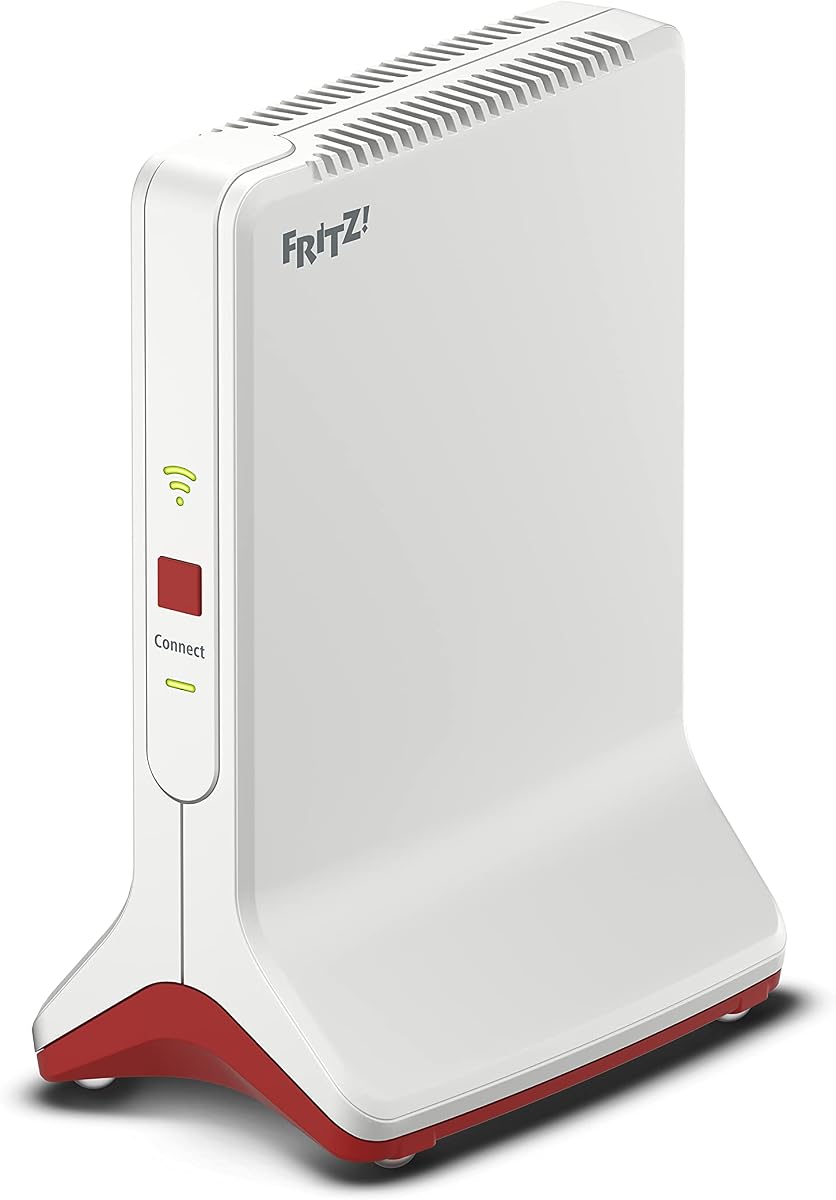
The FritzRepeater 6000 topped the test. It runs the WiFi 6 standard yet stays fast even with routers on older standards, and in testing its data rates were very high on both the 5 GHz and 2.4 GHz bands. With Multi-User MIMO, three separate WLAN radio units and a generous array of antennas, it serves many devices at once without buckling. One of those three radio units is reserved purely for talking to the router, which promises a steadier backhaul, and there are several LAN sockets so you can wire other devices in as well. Setup is a single button press at the router and another at the repeater. The one demerit is power draw, which is on the high side — no surprise given how much hardware is inside. It is the most capable repeater here and the sensible choice for a large household running a FritzBox. Check the price on Amazon UK · Search Amazon US
Best for Flats — and Enough for Most: FritzRepeater 1700
For small to medium flats, the FritzRepeater 1700 is the pick, and the test's conclusion goes further: for most households, its performance is already sufficient. One of the first Fritz repeaters with WiFi 7, it hit an impressive 946 Mbps on the 5 GHz band at close range, and in real-world measurements managed 881 Mbps sending and 795 Mbps receiving — comfortably beating its predecessor. It is compact, draws only 3 to 4 watts on standby, sets up without fuss and slots neatly into a mesh network. Check the price on Amazon UK · Search Amazon US
Best WiFi 7: FritzRepeater 2700
The FritzRepeater 2700 slots in between the 1700 and the 6000 on performance and brings WiFi 7 (WLAN-be) with MLO for very high transfer rates at close range. Paired with a WiFi 7 FritzBox it recorded 853 Mbps on receive and 759 Mbps on send in testing. Handling and features sit at the usual Fritz standard. Its weakness is important, though: on the 2.4 GHz band performance drops off markedly over longer distances, which makes it only partly suited to large, multi-storey houses. Over short hops it satisfies high expectations and points to where Fritz networking is heading. Check the price on Amazon UK · Search Amazon US
Also Tested
The test's price tip was the Telekom Speed Home WLAN, which pairs with Telekom's Speedport routers to add mesh. It reached a lower maximum speed than the FritzRepeater 6000, but across all the measuring points it performed better on the 5 GHz frequency, and it is simple to set up with modest power consumption. It is a recommendation aimed squarely at Speedport owners, so it is of little use in Britain unless you run that German provider's router; if you have a different router, you can instead wire a repeater to it by LAN cable and set that up as the base — though you will then need a second repeater to extend the network.
How the Testing Works
Speed is the main component: transfer rates are measured to PC network cards running WiFi 7, WiFi 6 and the older WiFi 4 and 5 standards, at four measuring points of increasing distance between repeater and test PC, recording both sending and receiving performance at each. The repeaters must also bridge a long real-world stretch between router and test PC. Beyond raw speed, the WLAN management features count towards the grade, as do the fittings — how many LAN ports, what the LEDs tell you, whether there is a guest network, how much power it uses — along with setup and day-to-day operation. To earn a top mark, a unit has to convince on all of it.
How to Choose — and the FritzBox Caveat
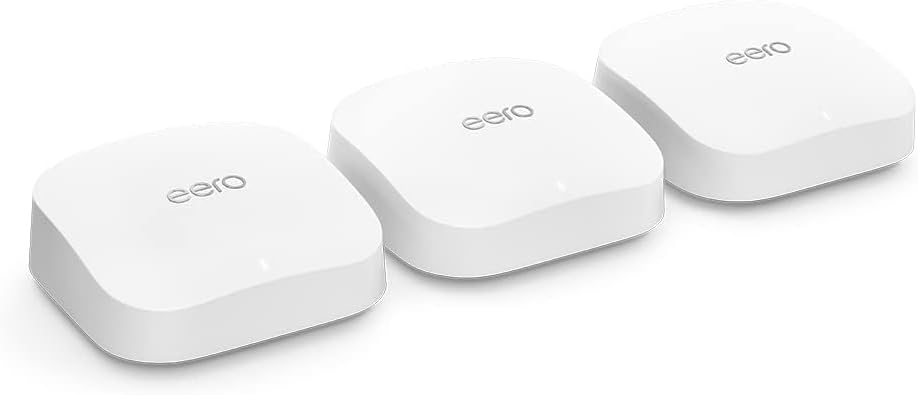
Here is the catch for UK buyers: Fritz repeaters shine brightest alongside a FritzBox router, forming a single, centrally-managed mesh network — and FritzBox routers are uncommon in Britain, where most homes use an ISP router from BT, Sky or Virgin. In a mesh, Access Point Steering lets devices move to the nearest access point by themselves, so a phone does not stay stuck to the living-room router when you walk towards the bedroom. The good news is that a Fritz repeater still works as a straightforward repeater with any router, connected by WPS or a LAN cable; you simply will not get the full same-brand mesh magic. So if you already run a FritzBox, buy Fritz with confidence. If you use an ISP router, a Fritz repeater will still banish your dead spots — just weigh whether a repeater from your router's own maker might mesh more neatly. It is also worth knowing that mesh systems proper are a different category: they need at least two units, the first wired to the router by LAN, and buying a repeater matched to your existing router is usually the cheaper route.
Verdict
AVM's Fritz repeaters swept this test. A very large home with a FritzBox is safest with the FritzRepeater 6000, the most capable unit here. The WiFi 7 FritzRepeater 2700 is the future-proof pick for medium-sized homes, provided you do not need range on 2.4 GHz. For most people, though, the FritzRepeater 1700 will already be enough — and Speedport owners are better served by Telekom's own Speed Home WLAN. Just remember that their mesh talents are fullest with a FritzBox; as plain dead-spot killers, any of them will do the job with your existing router.
Research sources
Sources recorded for this page are linked below. Reported third-party testing belongs to the original publisher; it is not testing performed by Truthful Reviews.