Here is the question a work-monitor guide should answer first, because almost nobody else will: is it safe to run an OLED for eight hours of Excel and code?
The honest answer is that it is not the best choice. Burn-in is far better controlled than it used to be — but office work means long stretches of static content, toolbars and taskbars parked in the same pixels all day, and over the long term that carries a real risk of image retention. OLED remains a superb technology for mixed use; for eight hours of spreadsheets, a good LCD panel is the safer instrument. One OLED pick below is included precisely because it ships with cooling and panel-care software to manage that risk.
From an eleven-monitor field for productivity work, here is what else matters.
Panel types in one honest paragraph each
Within LCD, three panel families survive. IPS offers excellent colour — covering 95% or even 100% of DCI-P3 — and wide viewing angles, making it the default for shared or colour-sensitive work. VA trades some of that for deeper contrast. TN is the fast, cheap and visually weakest option, and for productivity it is hard to recommend.
OLED brings perfect blacks and superb response — with the static-content caveat above.
Why 120 Hz helps even if you never game
A refresh-rate argument that has nothing to do with games: at double the update rate of a 60 Hz panel, motion is smoother, scrolling text stays legible, the mouse feels more direct and the interface responds faster. Every one of those is a productivity and eye-comfort gain. You notice it most when scrolling long documents — exactly the thing office work consists of.
It is not essential. But if two monitors are otherwise equal, take the faster one for work, not despite work.
4K, 5K and why scaling is the real story
Without scaling, text at these resolutions would be close to microscopic. With it, the system uses more pixels to draw each element — and this is where 5K at 200% scaling earns its keep: very sharp text, near-perfect edges, a retina-like image. A well-scaled 5K looks meaningfully better than a badly scaled 4K, which is the actual comparison that matters, rather than the headline numbers.
KVM: one keyboard, two computers
A monitor with a KVM switch lets several computers share one keyboard, mouse and set of USB peripherals through the monitor itself — switch inputs and your desk switches with you. If you run a work machine and a personal one, it removes the duplicate peripherals and most of the cable clutter. It is the most underrated feature on this list.
Blue-light filters, honestly
They reduce the blue component of the display's output. The theory is sound as far as it goes — prolonged blue-light exposure in the evening can interfere with melatonin production, and so with sleep. But the evidence for the filters' broader claims is genuinely unsettled, and the source is candid about the controversy. Treat the feature as a possible sleep aid for evening use, not as eye protection with proven benefit.
What actually reduces eye strain
Position and habit beat features: sensible brightness matched to the room, a screen at the right height and distance, and breaks. The monitor features that help are the ones above — sharp text through proper scaling, smooth motion, and flicker-free backlights — rather than marketing modes.
The picks
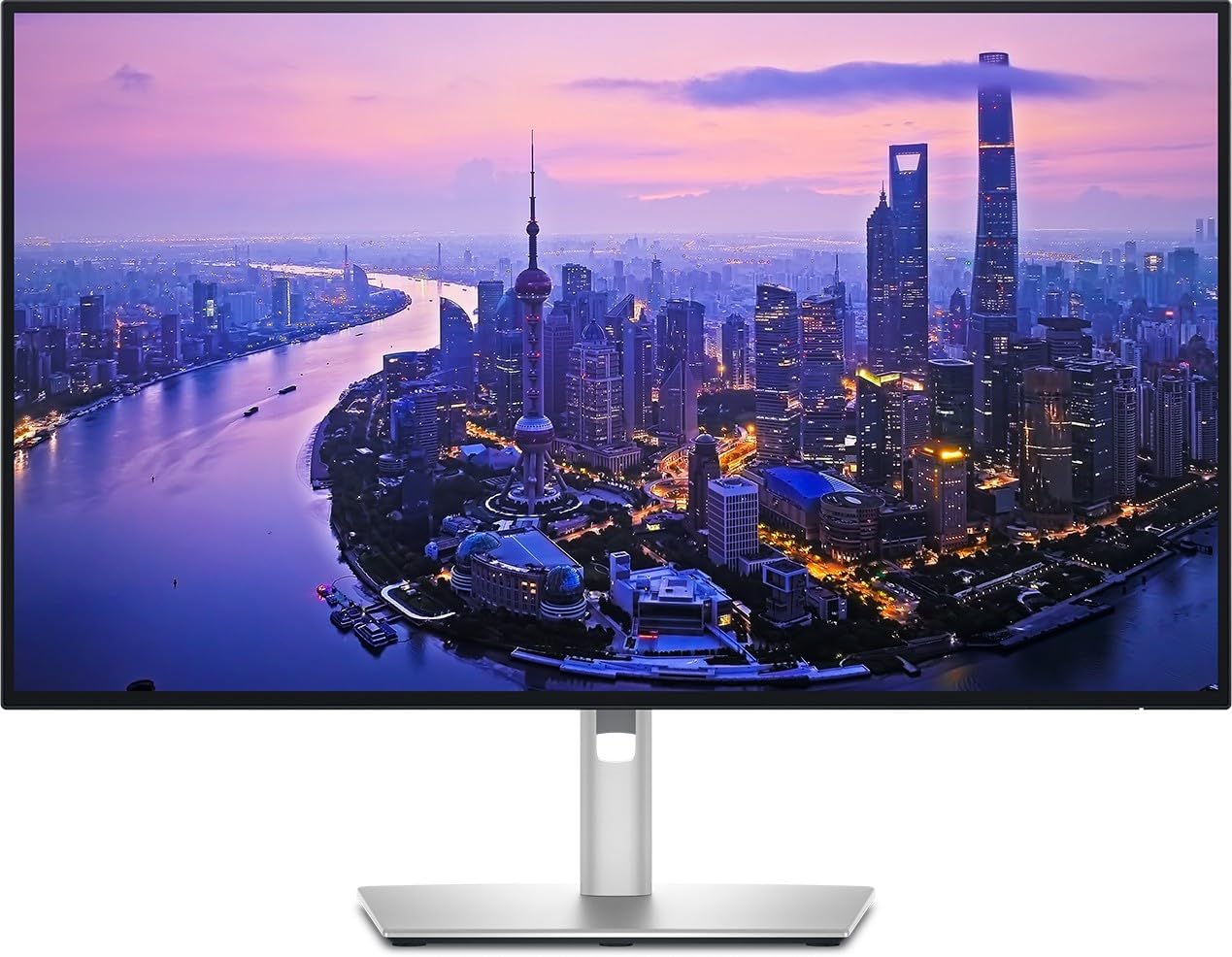
Best overall — Dell UltraSharp U2725QE. A professional 27-inch 4K monitor with outstanding colour quality, built deliberately for visual comfort, and carrying an unusually complete set of connections — it doubles as a hub for the desk. Its connections include a configurable KVM and a Thunderbolt 4 port delivering 140 W — enough to charge a demanding laptop over the same cable that carries the picture. Its one weakness is a 5 ms response time: fine for work, not the choice for fast games.
A UK buying note: alongside UK listings, German-language listings of this exact model appear in Amazon UK search results at attractive prices — grey imports, with the warranty complications those bring. The U2724DE sibling also sits nearby at a similar price; the model code is the difference.
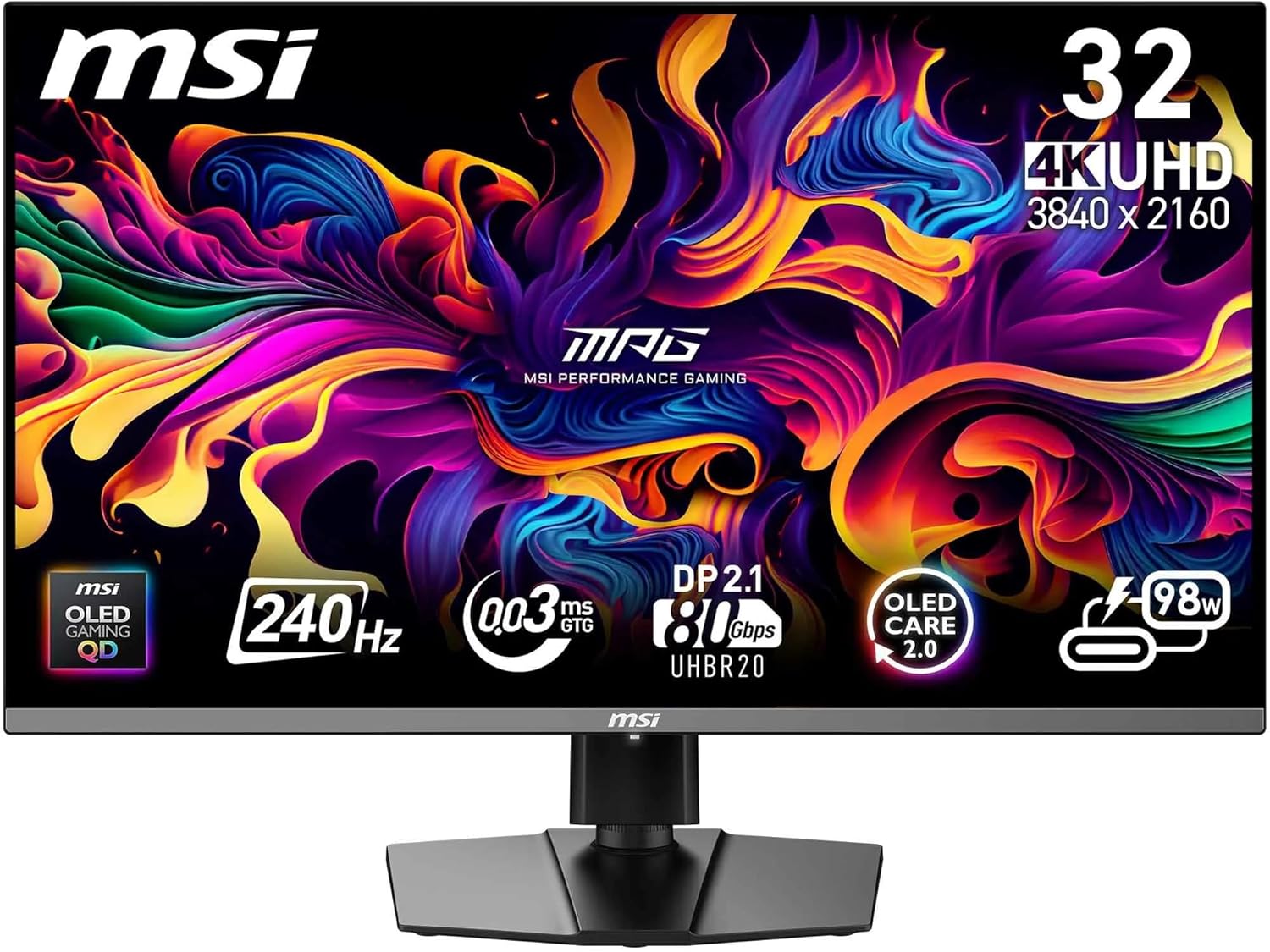
Best for work and play — MSI MAG 271QPX QD-OLED E2. A premium QD-OLED at QHD with professional-grade colour accuracy — 99.1% DCI-P3, 98% Adobe RGB — a 240 Hz refresh rate double the Dell's, and a 0.03 ms response time. No speakers, no camera — a panel for people who already own both.
Best for MacBooks — BenQ MA270U. Tuned to match MacBook colour configuration, with DisplayPort over USB-C delivering up to 96 W to charge the laptop while you work, plus DisplayPort, HDMI and a hub. Its 60 Hz refresh rate is the trade-off, and given the argument above, a real one.
Best budget ultrawide — LG 34WR50QK-B. A 34-inch curved ultrapanoramic at a remarkable price for what it offers. Ultrawide is the multi-window format: two full documents side by side without a second monitor.
Best for image editors — ASUS ProArt Display 5K PA27JCV. Excellent image quality with 10-bit colour representation, and the 5K-scaling argument above is exactly its case. Not cheap, and not trying to be.
Best OLED for long days — Asus ROG Strix XG27AQDMGR. A balanced WOLED with a glossy finish, and the one to pick if you want OLED for mixed work and play: it carries a custom cooling system and ASUS OLED Care software specifically to extend panel life and protect against burn-in. The glossy finish gives a very fine image and can throw reflections — site it away from windows.
Before you buy
Four questions. How many hours of static content a day? Above a few, prefer LCD or an OLED with explicit panel care. One computer or two? If two, a KVM monitor pays for itself in desk space alone. Do you scroll for a living? Then 120 Hz is a work feature, not a gaming one. And is colour your job? — then 10-bit and proper scaling outrank size.
For gaming-first panels, our best gaming monitors guide covers those instead.
Research sources
Sources recorded for this page are linked below. Reported third-party testing belongs to the original publisher; it is not testing performed by Truthful Reviews.