Quick Specs
Our Verdict
A far more substantial update than the unchanged exterior suggests, with Wi-Fi 7, a dramatically faster SSD, doubled base storage and much improved charging. Not worth upgrading from an M4, but the obvious choice from an M1 or M2.
Research sources
Sources recorded for this page are linked below. Reported third-party testing belongs to the original publisher; it is not testing performed by Truthful Reviews.
Our editorial process
Research method, author and affiliate-independence details
Our editorial process
Research method, author and affiliate-independence details
Prepared by our editorial team using verified source material, product research, and a British-English editorial rewrite before publication.
- We review the working bundle for product facts, comparisons, and buyer-relevant tradeoffs before publishing.
- Non-English source material is translated into British English and rewritten into our house style without carrying over publication branding.
- Affiliate links and price references are handled separately from editorial judgements and never determine the verdict.
Read our full methodology: how we review
Affiliate links never determine our verdicts. Commercial relationships are disclosed separately from the editorial assessment, and we aim to keep buyer guidance clear, specific, and evidence-based.
Pros & Cons
Pros
- Wi-Fi 7 and Bluetooth 6 via Apple’s N1 controller
- SSD read speed up more than 250% and write up 66%
- Full charge in 1 hr 59 min, down from 2 hrs 53 min
- CPU up around 16% single-core and 12% multi-core
- Memory bandwidth raised to 153 GB/s from 120 GB/s
- Base storage doubled to 512 GB at an unchanged entry price
- Exceptional display calibration — delta E 1.0 in both P3 and sRGB
- Measured 11 hrs 20 min of mixed-use battery life
- Silent at 28 dB under full load thanks to passive cooling
- Drives two external 6K displays at 60 Hz with the lid open
- Light at 1.23 kg with class-leading keyboard and trackpad
Cons
- Still no OLED display
- Still limited to 60 Hz
- Entry configuration has only an 8-core GPU
- Webcam notch looks dated on a 2026 premium laptop
- Fast charging requires the 70 W adapter, sold separately
- Modest CPU gain for anyone already on an M4
- Desk View image quality remains below the main camera
Full Specifications
Key Features
Wi-Fi 7 and Bluetooth 6 via Apple’s N1 controller
SSD read speed up more than 250% and write up 66%
Full charge in 1 hr 59 min, down from 2 hrs 53 min
CPU up around 16% single-core and 12% multi-core
Memory bandwidth raised to 153 GB/s from 120 GB/s
Base storage doubled to 512 GB at an unchanged entry price
Is the MacBook Air M5 simply an M4 with a newer chip? No. The exterior is identical, the screen is still LCD, and the overall concept has not moved. Underneath, though, this is one of the most complete updates Apple has delivered outside a full redesign — a faster processor and GPU, an SSD several times quicker, Wi-Fi 7 finally aboard, substantially faster charging and more memory bandwidth.
Design
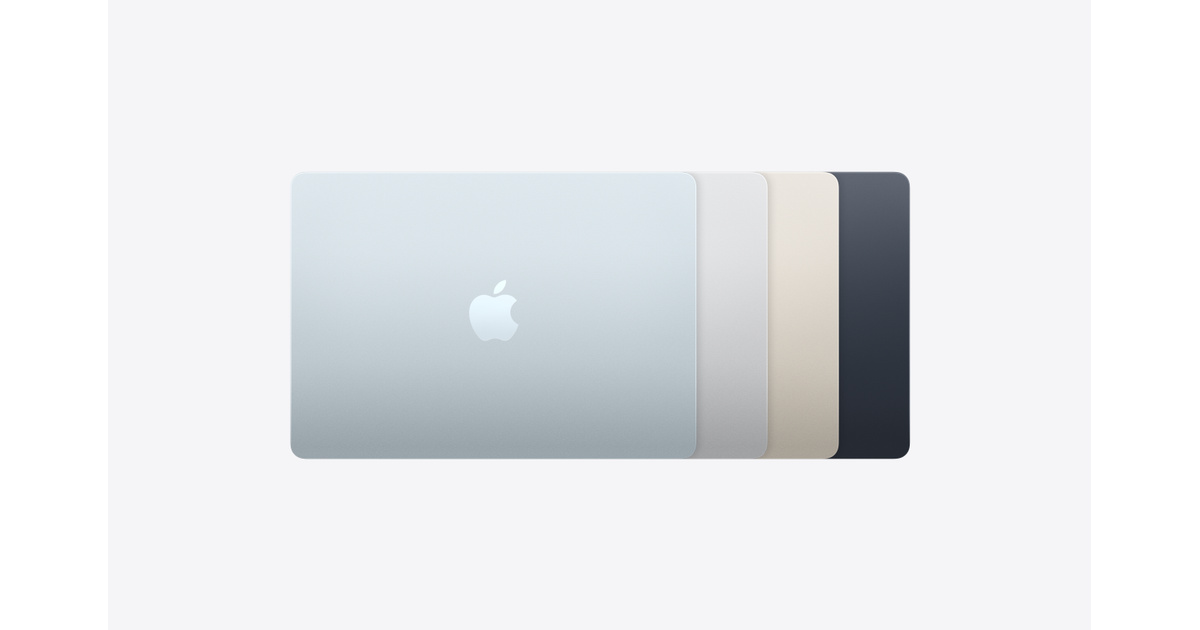
If you were hoping for a visual revolution, look elsewhere. The chassis is unchanged: 1.13 cm thick, 1.23 kg, with faultless anodised aluminium finishing. The sky blue finish reads more grey than blue under indoor lighting, but comes into its own in natural light.
At 1.23 kg this is among the lightest ultraportables in its class. Against the 15-inch MacBook Air at 1.5 kg, that 270 g difference is genuinely noticeable day to day, particularly on longer journeys. If maximum portability is the priority, the 13-inch is the clear choice in the range.
The keyboard and Force Touch trackpad remain the best in the category — ideal key travel, unmatched responsiveness, and a generous trackpad with finely judged haptics that the industry still measures itself against. The one persistent blemish is the webcam notch, which looks dated on a premium 2026 machine.
Display
The 13.6in Liquid Retina panel carries over unchanged: IPS, 2560 x 1664 pixels, 224 ppi, rated at 500 cd/m². There is still no OLED and still only 60 Hz, which is disappointing against Windows rivals that frequently offer both in the same price bracket.
Measurements confirm exceptional calibration, though. Colour accuracy comes in at delta E 2000 of 1.0 in both P3 and sRGB — far below the threshold of 3 at which the eye begins to notice drift. Coverage reaches 100% of sRGB and 98% of P3. Measured peak brightness is 508 cd/m², slightly above Apple's rating, with a contrast ratio of 1,339:1 — solid figures for an LCD.
In practice it is a pleasure. Colours are vivid and accurate, text is remarkably crisp at 224 ppi, and brightness is sufficient outdoors on an overcast day.
Audio and camera
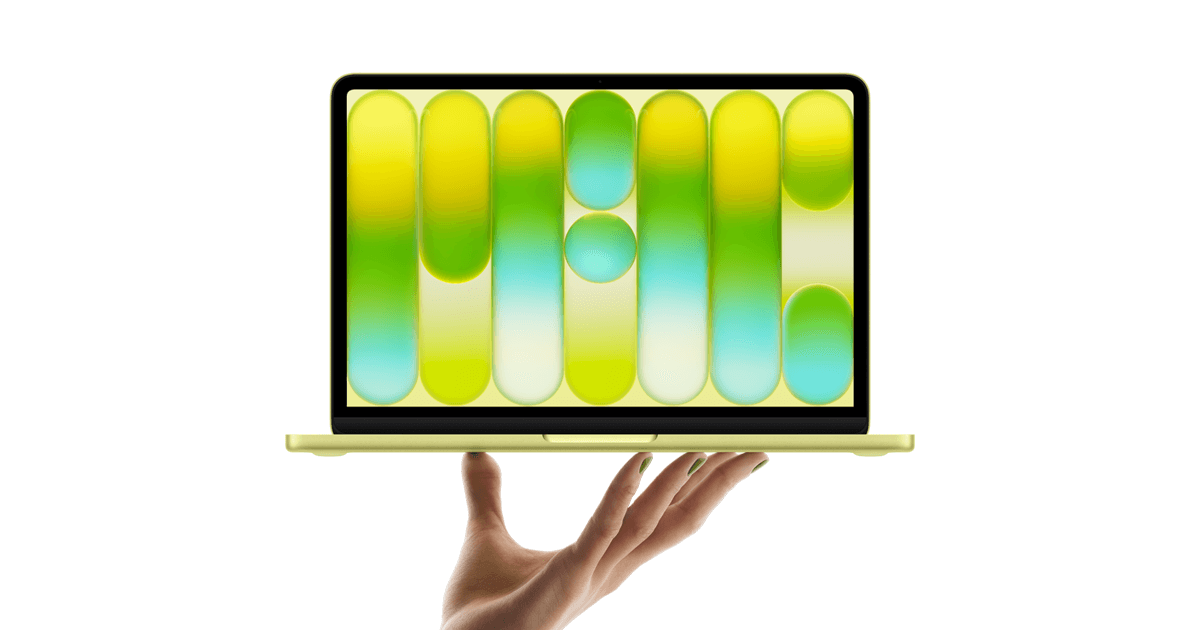
Four speakers with Dolby Atmos support continue to impress for a machine this thin. Output is wide, well balanced and clearly above the category average — genuinely good enough for video calls, conferences or music without headphones. Physics still applies, so bass is largely absent, but the spatial presentation exceeds what the chassis should be capable of.
The 12 MP camera introduced on the M4 carries over, with autofocus, Center Stage subject tracking and Desk View for sharing your desk during a meeting. It handles most professional use well. Desk View image quality remains below that of the main camera — a limitation noted on the M4 that has not been addressed.
Wi-Fi 7 at last
The M4's omission of Wi-Fi 7 was a genuine misstep for a machine sold in 2025. Apple has corrected it with the N1, its own wireless controller, bringing Wi-Fi 7 (802.11be) and Bluetooth 6. That is a concrete gain, especially in congested environments where Wi-Fi 7 reduces latency and improves throughput.
Wired connectivity is unchanged: two Thunderbolt 4 ports (USB-C, 40 Gb/s), MagSafe 3 — which usefully frees both USB-C ports for other work — and a 3.5 mm jack.
The M5 also now drives two external 6K displays at 60 Hz simultaneously with the lid open, a capability previously reserved for the MacBook Pro. For a desk setup with multiple monitors, that is a significant addition.
Base storage also doubles from 256 GB to 512 GB at an unchanged entry price.
Performance
The M5 is built on second-generation 3 nm and pairs a 10-core CPU — four performance cores and six efficiency cores — with an 8-core GPU in the entry configuration tested here, a 16-core Neural Engine, and memory bandwidth raised to 153 GB/s from 120 GB/s on the M4.
CPU gains measure around 16% single-core and 12% multi-core in Cinebench 2024, in line with the generational progression Apple Silicon has established. In everyday use — many browser tabs, document work, photo editing, light video — that translates into slightly greater fluidity, though the M4 was already entirely comfortable with all of it.
On AI workloads the 16-core Neural Engine, combined with Neural Accelerators built into each GPU core, puts this machine in a strong position for Apple Intelligence features and on-device language models. Procyon AI Vision returned 2,381 points in Integer and 1,426 in Float16, solid inference figures for a consumer laptop.
Storage is where the M5 lands its biggest blow. SSD write speed jumps from 4,162 to 6,894 MB/s, a 66% gain, while read speed climbs from 1,901 to 6,699 MB/s — a rise of more than 250%. Large file transfers, RAW media imports and heavy video projects all benefit noticeably.
Thermal and acoustic behaviour remains exemplary. Passive cooling means noise holds at 28 dB whether idle or at full load. Maximum temperature under the machine reaches 41.5°C, slightly above the M4's 39.8°C, with the palm rest peaking at 29.6°C. Working with it on your lap for hours is genuinely comfortable.
Battery and charging
Endurance remains a strength: 11 hours 20 minutes in mixed use, effectively matching the 15-inch M4 and its larger battery at 11 hours 19 minutes. Apple quotes up to 18 hours for video streaming. An intensive working day of writing, video calls and browsing poses no difficulty.
Charging is where the real gain lies. Last year a full charge on the 15-inch M4 took 2 hours 53 minutes, which was heavily criticised. This 13-inch M5 completes the same task in 1 hour 59 minutes. Fast charging is now native with the 70 W adapter, which is sold separately, and ten minutes on the charger returns 18% of capacity.
That changes the everyday relationship with the machine. The MacBook Air is no longer something you plug in overnight and hope for — it can be meaningfully topped up between appointments.
UK price and availability
In the UK the 13-inch MacBook Air M5 in the reviewed 16GB / 512GB configuration is listed on Amazon UK.
Take care over configuration when ordering: Amazon UK also lists a 16GB/1TB version with a 10-core GPU, and a 24GB model. Only the 16GB/512GB entry configuration is covered by this review, and it uses the 8-core GPU.
Verdict
Substantial rather than cosmetic. Processor and GPU are faster, the SSD is dramatically quicker, Wi-Fi 7 has finally arrived, charging is significantly improved, memory bandwidth is up and base storage has doubled. Battery life remains excellent, the display is exceptionally well calibrated even without OLED, and the keyboard, trackpad and speakers are still class-leading.
Should you upgrade from an M4? Probably not — the progression is real but not enough to justify replacing a one-year-old machine. From an M1 or M2, the jump is considerable and this is clearly the machine to choose.
The reservations are consistent: still no OLED, still 60 Hz, only an 8-core GPU at entry level, a webcam notch that betrays an ageing design, and fast charging that requires an adapter Apple does not include. For most people, none of those outweigh what is arguably the most balanced and versatile laptop on the market.
Frequently asked questions
Is the MacBook Air M5 out yet? Yes — this review covers the shipping product, and the reviewed configuration was verified in stock in the UK. Search interest suggests many buyers still think it is upcoming; it isn't.
Which MacBook Air M5 configuration does this review cover? The 13-inch model with 16 GB of unified memory and 512 GB of storage — the configuration bound to the verified price above. Other memory and storage tiers exist; performance findings here apply to the M5 platform generally, battery and thermals to the 13-inch chassis.
What colours does the MacBook Air M5 come in — is Sky Blue worth it? The test unit was the sky-blue version, and the verdict on the colour is that it's discreet — greyer than truly blue indoors, taking on its proper character in stronger light — on an anodised-aluminium finish the test calls irreproachable.
Is the MacBook Air M5 worth upgrading to from the M4? The test is direct about this: the CPU gain is modest for anyone already on an M4 — this generation's case is strongest for owners of older machines.
Ready to Purchase?
Check current prices and availability
Affiliate Disclosure: As an Amazon Associate I earn from qualifying purchases. Truthful Reviews may receive a commission when you buy through eligible Amazon UK or Amazon US links, at no extra cost to you. Affiliate partnerships never determine our verdicts or recommendations.