The most expensive CPU mistake is not buying the wrong speed. It is buying a processor that physically fits your motherboard and still will not run — and it is worth understanding before any benchmark.
From a tested field of 62 desktop processors, here is what actually decides the purchase.
The socket is not the whole story
A processor can fit the physical socket while the motherboard chipset cannot handle it. Board makers often ship updates enabling CPUs released after the board — but here is the trap: not every motherboard can be updated without a compatible CPU already installed. That is survivable when you are upgrading from an older chip; it can dead-end a from-scratch build, where there is no old CPU to boot with.
So check three things together, not two: socket, chipset support for your exact CPU, and — for a new build — whether the board's shipped firmware already supports it.
AMD or Intel, in plain terms
Both make convincing processors, and in everyday use the differences in performance and cost are frequently too small to feel. Where they genuinely diverge:
- AMD traditionally leads in multicore applications, and currently has the stronger integrated graphics — decisive if you will not fit a separate graphics card.
- Intel runs higher clock speeds for single-core performance, which pairs well with a dedicated graphics card.
The honest buying rule from the testing: total performance for the money first, power consumption second, with clock speed, core count and features as supporting evidence rather than the headline.
For calibration, the picks below span turbo clocks of 5.0 to 5.6 GHz — a spread narrow enough to prove the point that clock speed alone settles very little.
Cooling decides more than you think
Two findings worth carrying into the checkout. First, brand reputation on bundled coolers is not equal: AMD's stock coolers have earned a passable reputation, while Intel's inspire rather less confidence. Second, if your CPU runs loaded often — a gaming PC being the obvious case — a quality third-party cooler from the likes of Noctua or Alpenföhn is worth it. Good cooling can even lift performance slightly, but the more important effect is preventing the CPU throttling itself when it overheats, which silently costs you the performance you paid for.
Coolers are matched to a CPU's TDP and socket type — check both, and check whether your chosen CPU ships with a cooler at all, because several picks here do not.
The Intel 13th/14th-generation warning
One safety-of-purchase fact belongs above any pick. Intel desktop CPUs of the 13th and 14th generation with a TDP of 65 watts or more can develop a defect that damages the processor irreparably. Intel has been rolling out microcode updates through its motherboard partners to prevent the damage. If you buy — or already own — one of these chips: check that your board maker offers the corresponding BIOS update, and if none is available yet, undo any overclock and run the standard profile in the meantime.
This matters directly to one recommendation below: the gaming pick is a 14th-generation part, excellent on its merits, and it should only go into a board with that update applied.
The picks
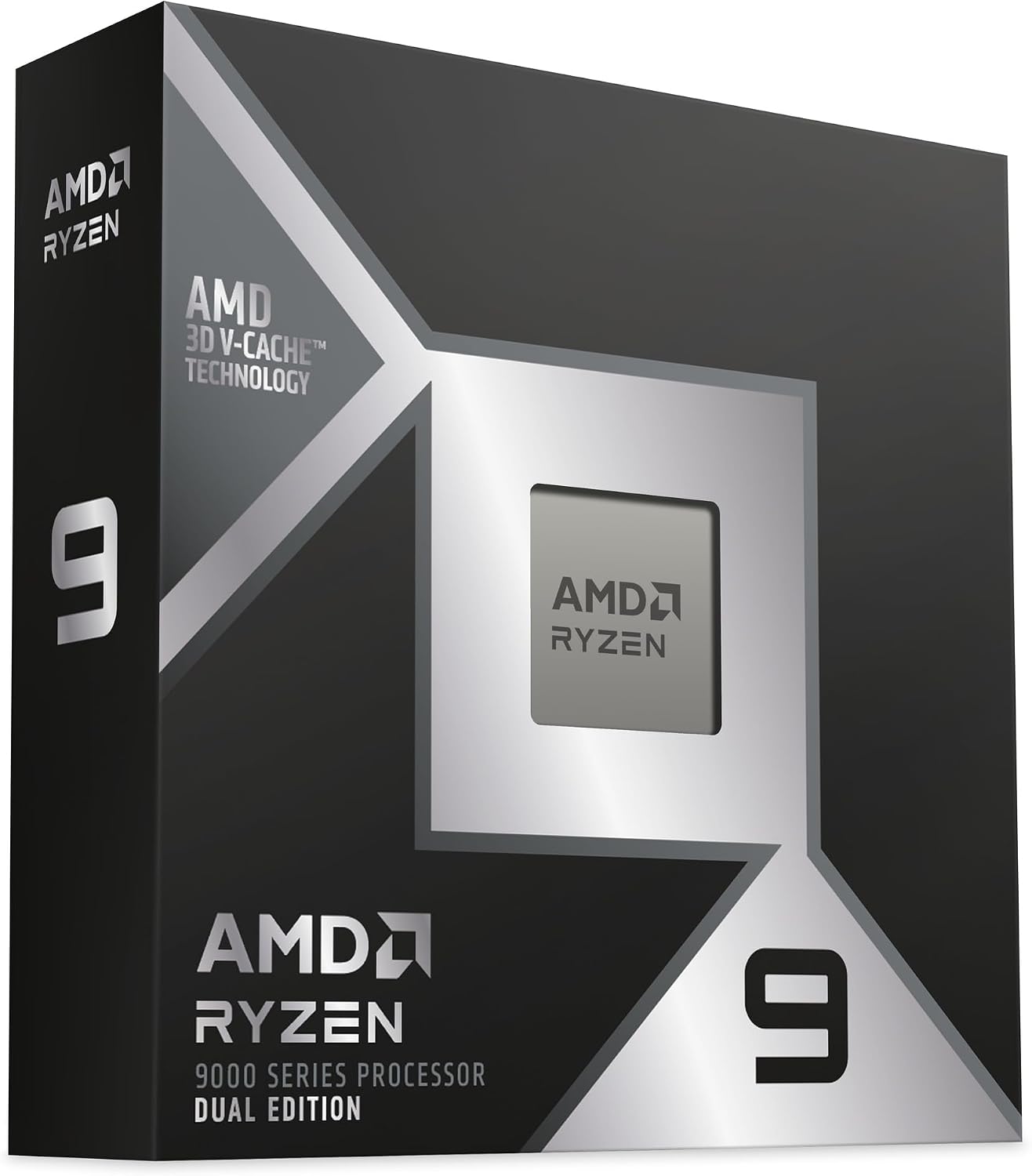
Best overall — AMD Ryzen 9 9950X3D2. The top processor grade in the whole field, built for maximum CPU performance — a 4.3 GHz base clock boosting to 5.6 GHz, the highest turbo figure among the picks. Its integrated graphics are middling — which at this level is close to irrelevant, because a machine built around this chip will carry a dedicated graphics card. In the UK it sells as the "Dual Edition", and it sits in listings beside the 9950X3D and plain 9950X — three different processors whose names differ by a character. The suffix is the product; check it.
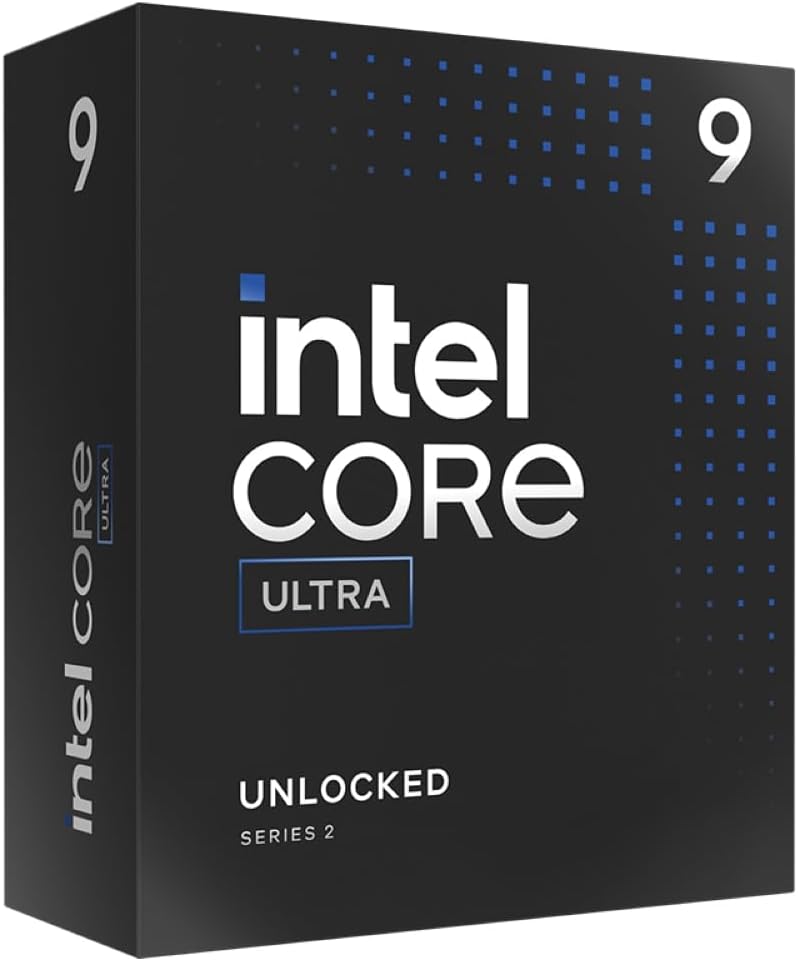
Best value — Intel Core Ultra 5 250K. The price-performance standout: 18 cores at base clocks of 4.2 GHz (performance) and 3.3 GHz (efficiency), boosting to 5.3 GHz, that handle gaming and demanding work — image and video editing, 3D rendering — alike. It carries Intel AI Boost, ECC memory support and integrated graphics, and its cooling demand stays moderate at a 159-watt TDP. Two budget notes: no cooler is included, and for demanding games it still wants a dedicated graphics card.
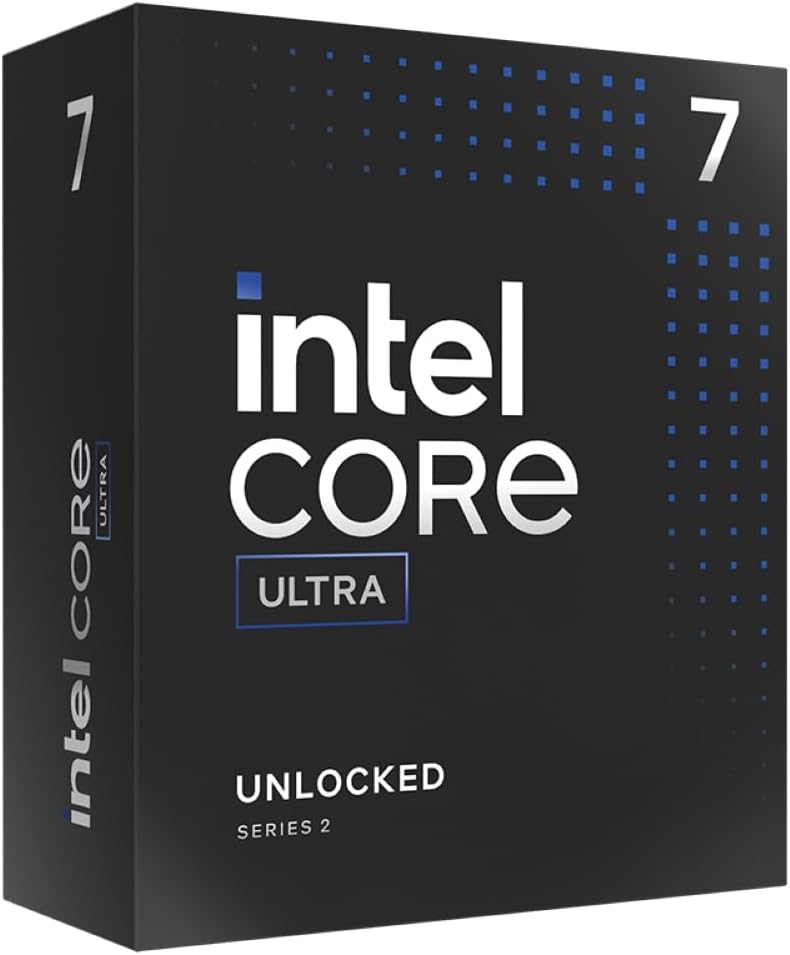
Best Intel — Intel Core Ultra 7 270K. Excellent performance with 24 cores — base clocks of 3.7/3.2 GHz boosting to 5.5 GHz — and generous reserves for gaming, content creation and heavy productivity. Modern equipment rounds it out: an AI Boost NPU, and support for up to 256 GB of DDR5 including ECC. For office, multimedia and light graphics work its integrated GPU suffices.
Best around the entry tier — Intel Core Ultra 245K, the sensible floor for a serious build, with base clocks of 4.2/3.6 GHz and a 5.2 GHz boost.
Best integrated graphics — AMD Ryzen 5 8600G. The one to buy when there will be no graphics card at all: its integrated GPU earned the top graphics grade of the field, making it the honest basis for a compact or budget machine that still games lightly.
Best for gaming — Intel Core i7-14700K. Very strong CPU performance from base clocks of 3.4 GHz on the performance cores and 2.5 GHz on the efficiency cores, aimed squarely at gamers with a dedicated card — its own integrated graphics are the weakest part, and irrelevant for exactly that buyer. It is also the 14th-generation part the warning above applies to: apply the BIOS update before you rely on it.
Before you buy
Four questions. Will the board actually run it? Socket, chipset and shipped-firmware support — especially for a new build. Graphics card or not? That single answer chooses between the 8600G route and everything else. How often does it run loaded? That decides the cooler budget, and whether the bundled one — if any — will do. And are you comparing whole platforms? — a cheaper CPU on a dearer board is rarely a saving.
For what to pair it with, our best graphics cards guide covers the other half of the build.
Research sources
Sources recorded for this page are linked below. Reported third-party testing belongs to the original publisher; it is not testing performed by Truthful Reviews.