The constraint that decides whether a mini PC will still suit you in three years is not the processor. It is that these machines accept very few modifications — and that their memory sits in laptop-style SO-DIMM modules with usually a maximum of two slots.
Buy the right amount of RAM at the outset, because on most of these you will not be adding more later.
Three formats, and who each suits
Strictly, the market holds three kinds of mini PC.
Stick PCs are the most compact, the simplest in hardware terms and the most affordable — shaped like a USB memory stick, plugged directly into a monitor or television, and drawing their modest power from the device they connect to.
Barebones sit at the opposite end: a skeleton with the motherboard and some components, onto which you fit the rest. You get to tailor the hardware exactly to your needs, but you need the technical knowledge to configure and assemble it.
Commercial mini towers occupy the middle. They cost more than sticks, but offer very diverse configurations for different uses, run various operating systems, and are ready to use out of the box.
The hardware notes that matter in this form factor
Storage. You will find fast SSDs, classic HDDs offering lots of capacity cheaply, and also eMMC. The last consumes less and costs less, but is considerably slower and more limited in capacity — which is why it appears in the cheapest, simplest machines, the ones designed for occasional basic tasks. That is the stick category.
Processors. The familiar x86 chips from Intel and AMD appear as they do in desktops and laptops, but there are also ARM options — much more modest in performance, with lower consumption.
Memory. As above: SO-DIMM modules, typically two slots at most, so specify properly at purchase.
Cooling is a real constraint here, not a detail. If you want a powerful machine or intend to work it hard, pay attention to cooling and temperature control, precisely because there is so little room for air to move between components — and more ambitious hardware brings higher power consumption with it. What to look for: cases with grilles and vents, aluminium rather than plastic, and energy-efficient components.
Match the machine to the job
- As a media centre, you want enough storage for your content (unless you stream), decent sound and graphics options, and enough ports to move content from other devices.
- If you are not sure what you will use it for, choose a versatile machine: a Ryzen or Core processor, 8 GB of RAM as the starting point, and SSD or HDD storage — unless budget is very tight and demands are genuinely light.
- For high performance with the knowledge to match, a barebone lets you configure exactly what you need.
- For gaming, look for a powerful processor and a dedicated graphics card, at least 8 GB of RAM, and enough ports for controllers and joysticks.
- For maker projects, a Raspberry Pi is the ideal answer for its community, price and possibilities — and it even exists as a mini PC built into a keyboard, the Raspberry Pi 400.
The models
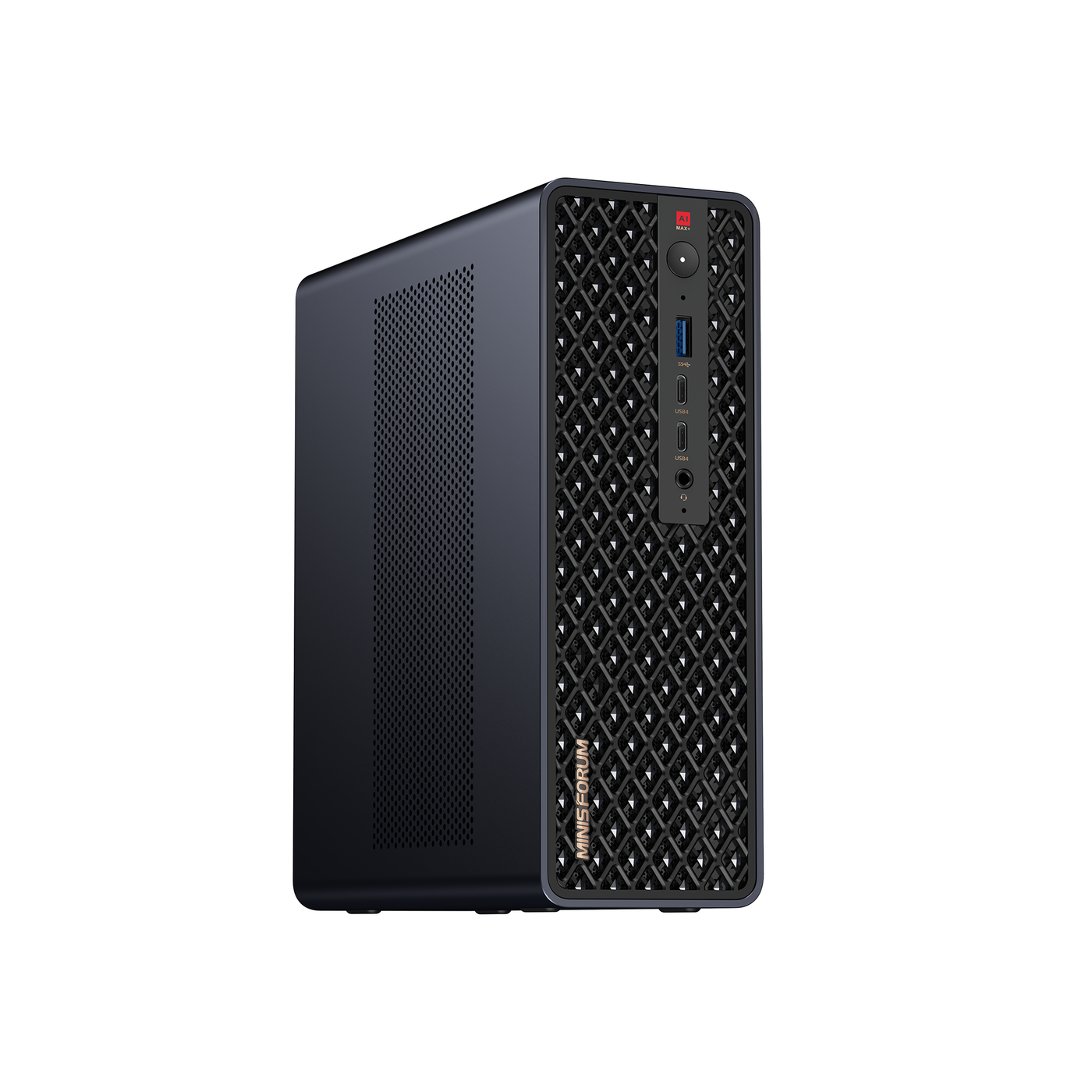
Minis Forum — the budget 4K player. Attractive on cost against the hardware it carries: an Intel Celeron N4020, 4 GB of DDR3, and 64 GB of eMMC storage that can be expanded with an SD card up to 128 GB, an M.2 2242 NGFF SSD, or a SATA hard disk up to 1 TB. Connectivity is generous for the class — dual-band Wi-Fi, Bluetooth 4.2, Ethernet, four USB ports, HDMI and VGA, a micro SD slot and a headphone jack. That hardware points it at web browsing, extremely simple office work and watching video — and its strong point is precisely that it plays 4K, with enough ports to hang peripherals off it.
Intel NUC — the versatile barebone. The line that defines the category, with processor options running from simple Celerons up to 11th-generation Core i5. The base is a 10 x 10 cm board to which you add memory (two DDR4-2400 slots, up to 32 GB), storage (an M.2 PCIe x4 connection plus the option of a 2.5-inch bay for a hard disk or SSD) and Windows or another distribution. Even the simplest configuration brings a 3.5 mm jack, two USB ports, Wi-Fi, Bluetooth 4.2 and a microSD slot, with graphics-output options available. Configure it for entertainment, productivity or gaming.
Lenovo ThinkCentre — the business-grade option, specified around an Intel Core i7 for people who want desktop-class processing in a compact chassis.
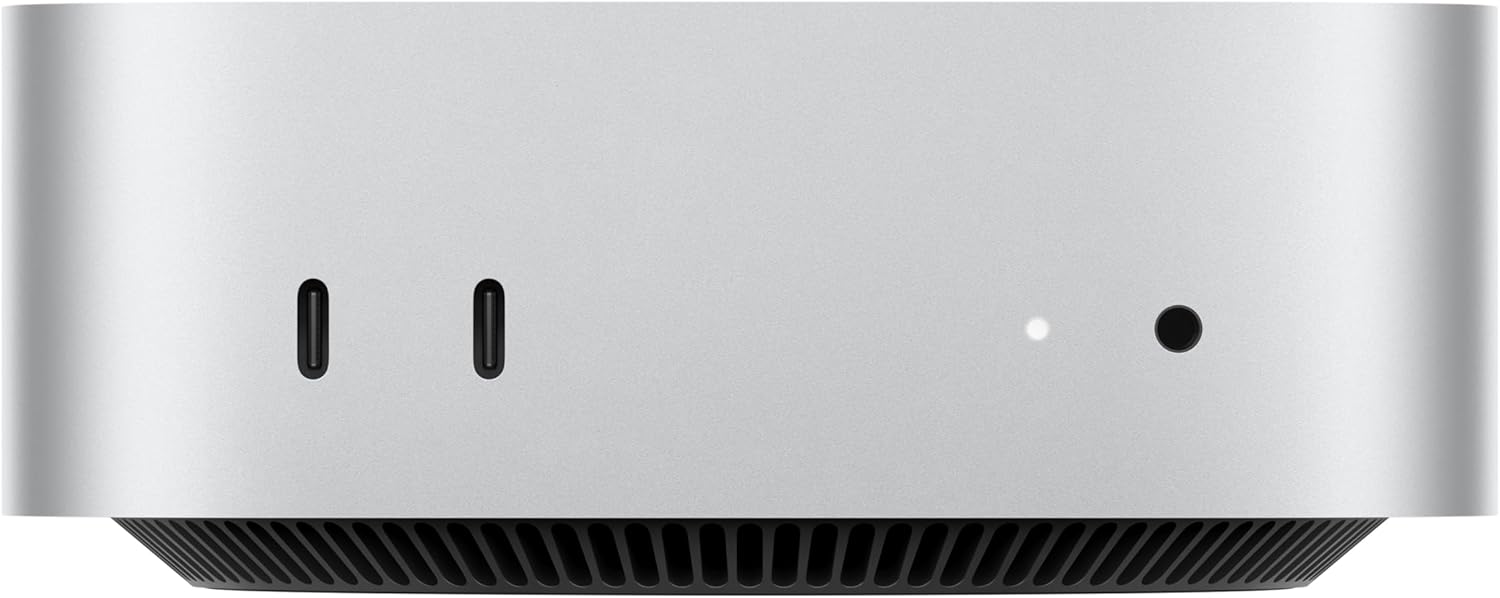
Apple Mac Mini (2024, M4) — the smallest complete computer Apple makes. The pick if you are already in the Apple ecosystem or want something that works out of the box with no configuration. It is UK-listed in several memory and storage configurations.
Zotac MAGNUS — the well-rounded performer, a comprehensive option across most of the criteria above.
Before you buy
Four questions. How much RAM will you need in three years? With two slots and limited upgrade paths, that decision is made now. Stick, tower or barebone? Convenience, versatility or control — pick one honestly. Will you work it hard? Then cooling and case material matter more than the headline chip. And is eMMC storage acceptable? — it is cheap and frugal but slow, and it is what the least expensive machines use.
Our best laptops guide covers the portable alternative, and our best desktop processors guide the full-size route.
Research sources
Sources recorded for this page are linked below. Reported third-party testing belongs to the original publisher; it is not testing performed by Truthful Reviews.