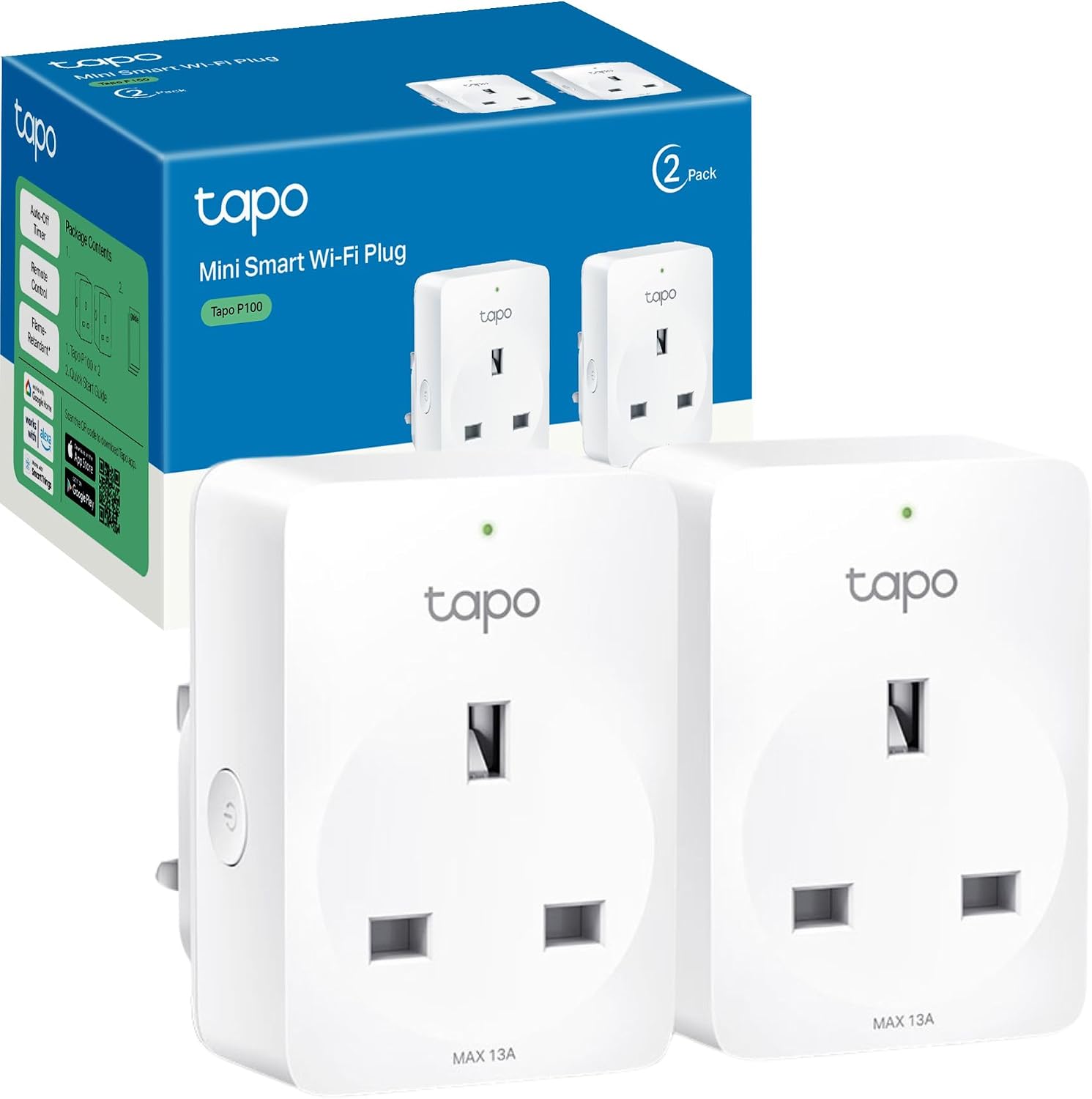
A smart plug is the cheapest way into a smart home, and the one most likely to arrive and not work — usually for a reason that has nothing to do with the plug itself.
Check these before you buy
The socket needs an earth. Smart plugs require an earthed socket, which modern properties have and some older buildings do not. It is worth establishing before ordering rather than after.
Check the current rating against what you want to plug in. Most smart plugs tolerate a current of 10 to 16 A. In practice the better models top out around 3,680 W, which is 16 A at 230 V, while others cap noticeably lower — some of the programmable models here take up to 2,990 W at a maximum of 13 A. Make sure the appliance you intend to control falls inside that, or you will not be able to use it — and note that heaters and kettles sit close to the ceiling in a way that lamps and televisions never do.
Mind the physical size. Some smart plugs are simply too bulky, blocking access to whatever sits next to them — an adjacent socket or a light switch. If your sockets are tightly spaced, choose a compact model or run it from an extension lead.
Check your ecosystem before you invest. If you already own a voice assistant or other smart devices, confirm they will actually talk to each other. Most smart plugs are comfortable in the Android and Google ecosystem, and the Apple ecosystem is noticeably more limited. Home automation keeps expanding, but it is better to check than to discover the gap afterwards.
And the setup detail that catches most people out: every Wi-Fi smart plug runs on the 2.4 GHz band. If you have a recent dual-band router broadcasting 5 GHz as well, you have to make sure the plug is connecting to the 2.4 GHz band. This single point accounts for a great many "it will not pair" experiences.
One more compatibility note: if the plug is controlled through an app, that app has to suit your operating system version. In practice all of them work with both iOS and Android.
What a smart plug can actually do
Beyond switching the current on and off, the useful features are these.
Away mode. Aimed particularly at lamps, televisions and audio equipment, this switches them on and off at random while you are out, so the house looks occupied.
Consumption monitoring. Some models track electrical use and report how much electricity has passed through them over a period — which is how you find out what a specific appliance actually costs you to run.
Voice control. Commands through Siri, Alexa or Google Assistant switch the plug without touching anything.
Linking with other devices. Plugs can be synchronised with other smart kit so they work together — an Apple TV, or smart speakers such as Google Home or Amazon Echo.
Conditional events. Actions triggered by other conditions rather than by you.