Two gaming laptops can carry the same graphics chip on the box and deliver visibly different frame rates — and the specification that explains it is almost never in the headline. It is TGP, the power budget the chassis allows that GPU.
The field makes the point brutally: one recommended laptop runs its RTX 5060 at 85 W, and reviews put it below machines carrying the lesser RTX 5050. Another limits the same RTX 5060 to 75 W, cutting performance significantly against laptops running it at 100 to 115 W. A third caps its GPU at just 60 W.
Ask for the wattage before you buy. It is the single most useful question in this category, and it separates two laptops that look identical on a listing.
The components, in order of what they change
Processor. With the graphics card, the most important part. The CPU handles physics, AI and game logic. Because many games do not exploit every thread and core of current chips, for gaming you want a faster processor rather than one juggling more threads. If you also edit photos or video, the calculation flips: then you want speed and more cores and threads. At the affordable end, expect Intel Core i5 or i7 of the 13th or 14th generation, or AMD Ryzen 5 or 7 of the seventh or eighth — and note that in the current generation AMD's chips stand out for improved energy efficiency.
RAM. 16 GB is the minimum standard and the reasonable starting point: enough to play while keeping other programs open. 32 GB is becoming more common even at this level. On memory type, choose DDR5 over DDR4 — higher transfer speeds translate into extra frames per second, and DDR4 in a new gaming laptop is a compromise to avoid unless you have no choice. More memory also loads games faster, keeps long sessions stable, and reduces stutter.
Graphics. Nvidia dominates at every tier. The RTX 4000 series is the sensible choice if you cannot invest much; stretch the budget and the RTX 5000 series brings the latest ray-tracing and AI technology, and now appears in genuinely keenly priced machines. Whichever you pick, return to the wattage question above.
Display. Sizes run 15 to 17 inches, with 15.6 inches the most common and usually the best value — a good balance of portability and playing area. Expect Full HD, with QHD+ appearing only occasionally and 4K not at all at this level. Refresh rate should be at least 144 Hz for fluidity and lower input lag, which is a real competitive advantage in shooters and MOBAs, and it also reduces eye strain. For image quality, check the panel supports HDR; and if you can stretch, panels with Nvidia G-Sync or AMD FreeSync synchronise the display to the GPU and eliminate tearing and ghosting.
The picks
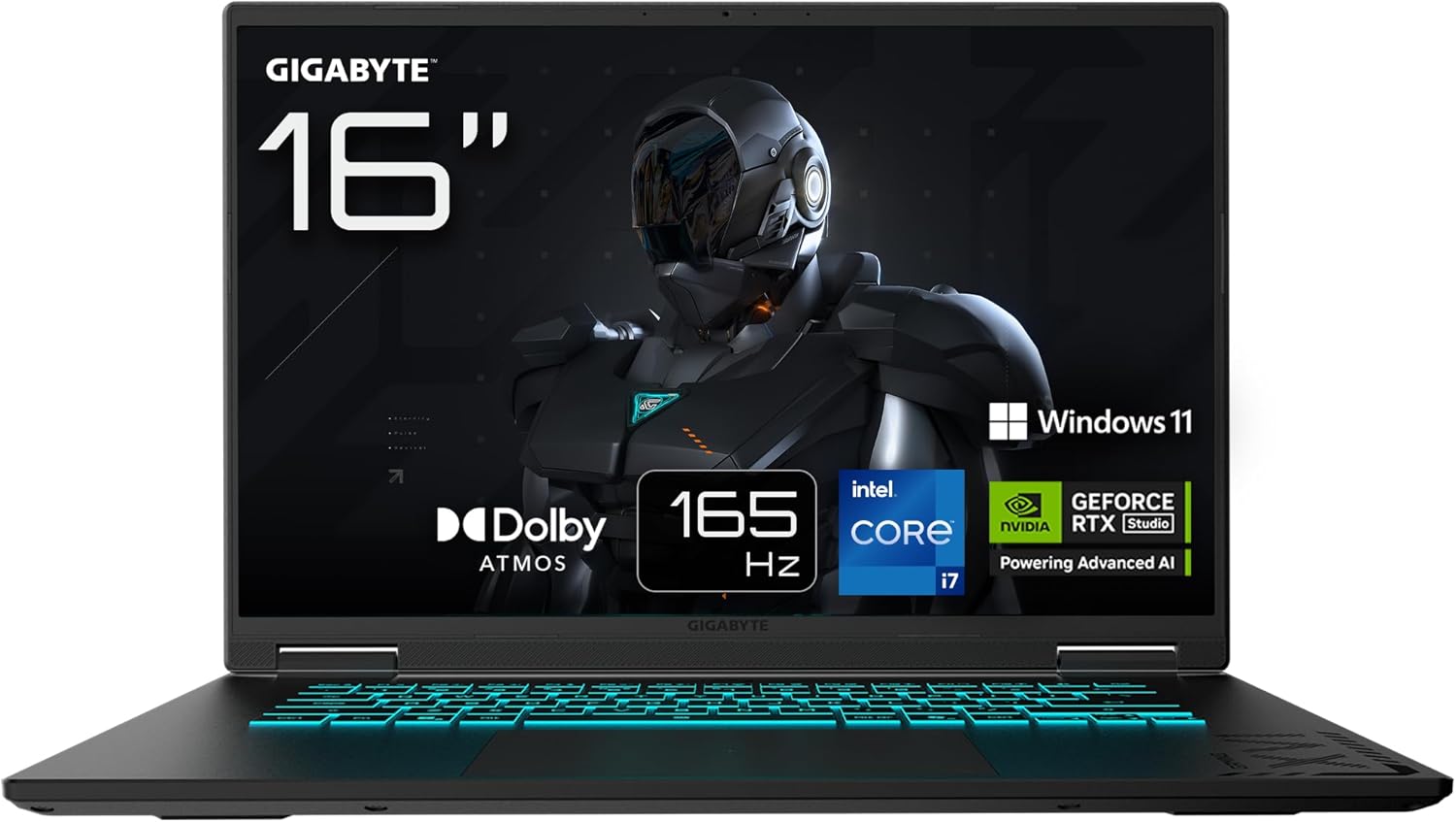
Best overall — Gigabyte A16 CVH. A genuinely balanced configuration and the field's recommendation: an Nvidia RTX 5060 — current generation — with an Intel Core i7-13620H and 32 GB of RAM, built for 1080p gaming without major compromises. The 16-inch IPS Full HD panel at 165 Hz delivers good image quality and a competitive edge online. Endurance is unusually good for a gaming machine, with the maker quoting up to 12 hours, though that is a low-consumption scenario and never achievable while gaming. It is all plastic, but the styling is restrained enough to take to an office. Two caveats before buying: its RTX 5060 runs at 85 W, which reviews say leaves it behind some RTX 5050 laptops; and the UK listing we found pairs the same i7-13620H and RTX 5060 with 16 GB rather than 32 GB — check the memory in the exact configuration you are ordering, because it is the part that differs.
Best specification for the money — Medion Erazer Major 15 X1 MD62708. More current silicon on both counts: an Intel Core i7-14700HX with an RTX 4070, though with only 16 GB of RAM. The screen is smaller at 15 inches but sharper and faster — 2560 x 1600 QHD+ at 240 Hz — and there is a 1 TB SSD plus Windows 11 Home preinstalled, saving you the job. The costs: it is neither long-lasting on battery nor light.
Best for gaming and creating — ASUS V16 V3607VM-RP011. A balanced machine for players who also make things, with good Full HD gaming performance and very good battery life for a gaming laptop. Two honest debits: its Intel Core 7 240H on the Meteor Lake architecture is newer than the three-year-old Raptor Lake generation but no substantial gaming improvement over it, and the RTX 5060 is limited to 75 W — significantly down on the 100 to 115 W implementations.
Biggest screen on a tight budget — Medion Erazer Scout 17 E1 MD62759. The cheapest recommendation, and a good choice if you prioritise performance per pound: its graphics card is genuinely strong for the money, paired with an Intel Core i5-13420H, 16 GB of RAM and a 1 TB SSD. The compromises are real and specific: the 17-inch Full HD screen is not up to the standard of the rest of the machine, and battery life is very low even by gaming-laptop standards.
Best graphics longevity — HP Victus 15-fa2001ns. Very affordable, with a graphics card chosen to stay useful for several years and a comprehensive set of ports. Its limitation is storage: 512 GB is very tight today once a few modern titles are installed.
Best AMD option — ASUS TUF Gaming A15 FA506NCR-HN006. Solid 1080p performance from an AMD processor at the lowest outlay in the group — but note carefully that the field recommends it as a refurbished unit, not a new one. If buying used or refurbished is not acceptable to you, this pick is not for you.
Coolest running — Lenovo LOQ Essential 15IRX11. The thermal pick: it stays genuinely cool through sustained play, which matters for both comfort and throttling. The trade is exactly the theme of this guide — its GPU is limited to only 60 W, which reduces gaming performance accordingly.