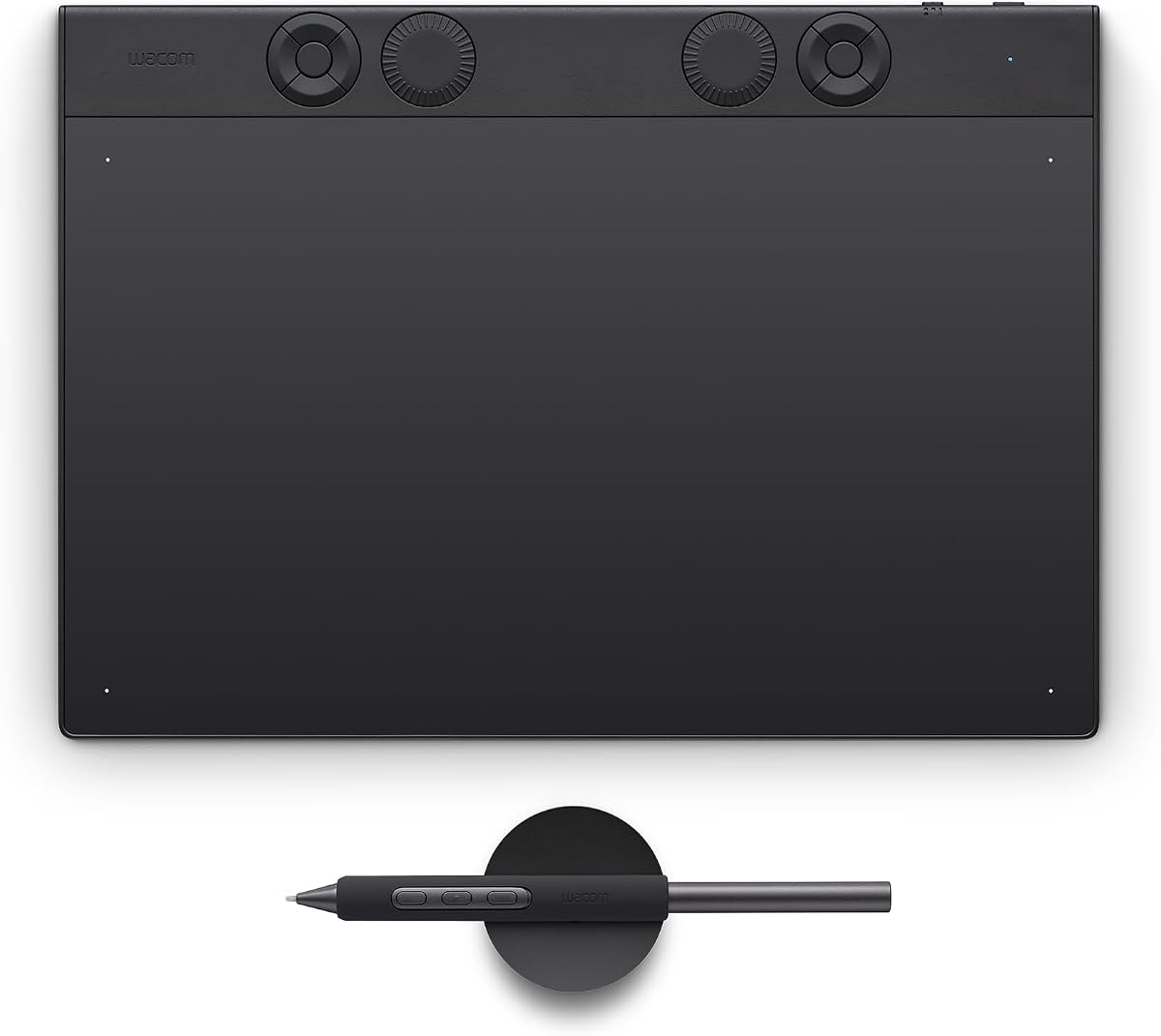
A paper tablet has one job: to move the pencil-and-notepad pairing into the digital world without losing what made it work. Nine of them were tested, and the winner is the Boox Note Air5 C — a colour electronic-ink screen, a metal body, Android 15 with the Play Store behind it, and eBooks and audiobooks on top. This guide covers all nine, the two shortlisted alternatives in detail, and the one question that decides everything: how big a screen you need and whether you want colour at all.
What follows is recorded testing, translated. Nobody at Truthful Reviews has written a single note on any of these.
What a paper tablet actually does
The brief is narrow. Handwritten notes and sketches should feel authentic under the pencil, the strokes should appear on screen without lag, and the display should show the result about as it would look on real paper. Every device in the test managed that reasonably well, and every one of them can also convert handwriting into ordinary typed text.
Beyond that, a paper tablet does things a notebook cannot. It treats handwriting and sketches like text typed on a keyboard: strokes can be copied to a clipboard, rubbed out, selected, dragged elsewhere on the page or resized afterwards. Notes can be forwarded electronically and filed in folders. Unprotected PDFs and eBooks can be annotated directly with the pencil or highlighted as though with a marker pen. Most of the tested devices double as eBook readers and some play audiobooks. Web browsing is only marginally usable because electronic ink is slow to redraw, and video is out of the question entirely.
The downsides are the purchase outlay and the fact that this is yet another device to carry alongside a phone and possibly a conventional tablet. Some models also add so much complexity through their menus and extra functions that the direct, analogue feel of simply writing something down gets lost.
How electronic ink works
Every tested model uses electronic ink, some monochrome, some colour, almost always with a backlight so the screen works regardless of ambient conditions. The technology rests on capsules roughly 100 micrometres across, each one a pixel, filled with negatively charged black and positively charged white pigments floating in a clear solution. A transparent electrode sits on top and two more underneath. Depending on the voltage applied, the lower electrodes pull the white or the black pigments down and leave the other colour showing on the visible surface. Charge one lower electrode positive and the other negative and the pixel comes out grey.
With the power off the pigments stay exactly where they are, which is why the technology draws so little current. Battery life ran from a few days to several weeks depending on how hard a device was used, with the backlight taking the biggest bite out of it. A colour panel is more complicated still: neighbouring pixels mix red, blue and green through a filter layer, and that costs resolution.
Colour or monochrome
Colour electronic ink now works well enough, but it is nowhere near the OLED panel of a modern tablet, and coloured pencils or felt tips on real paper are far more present. Some shades need a close look to identify at all, and a bright backlight is needed before colours register properly. That is the trade: sharper monochrome text, or muted colour that is still better than none.
Handwriting into text
Capturing notes by hand is the appeal; passing them on afterwards is easier as ordinary text. All of the tested paper tablets can convert handwriting, and recognition worked surprisingly well on every one of them. How you get at that conversion varies a great deal, and on one of the picks it is the single biggest limitation.
Reading and listening
Electronic ink is too slow for browsing and hopeless for video, but reading asks very little of a display. Every device in the test can show PDFs and eBooks, with caveats in some cases. Some connect over Wi-Fi straight to a store where books can be bought or re-downloaded; some also play audiobooks; several do neither.
One more point from the test, and it cuts against the obvious assumption: the environmental load of manufacturing a device this sophisticated, and then feeding it electricity, is almost always a multiple of the comparable paper consumption.
Best overall: Boox Note Air5 C
Search Amazon UK · Search Amazon US
The newest Boox from Onyx delivered the best overall package in the test. The metal body and the pressure-resistant display feel properly made, and the new Pen3 pencil is included, needs no charging and clips magnetically to the side. A USB-C cable is in the box. The frame is wider down one side so the weight is comfortable to hold; rotate the display and that wider edge moves across for left-handers.
The 10.3-inch screen is about the size of an A5 pad. Resolution is a good 300 ppi in monochrome and 150 ppi in colour, with up to 4,096 colours, and it does that better than anything else in the field. Both modes are sharp and contrasty, and backlight brightness and colour temperature adjust well. An eight-core processor and ample memory give it real speed for an electronic-ink panel when zooming and panning — browsing is actually enjoyable here, which on this technology is normally a last resort.
The operating system is built on Android 15, so the look and handling recall a tablet or phone, and extra apps install through the pre-loaded Google Play Store. Boox does lag behind — Android 16 has been out since summer 2025 and there is no certainty of an update; the previous Air4 C shipped with Android 13 and never moved. Hardware is close to a full tablet: 6 GB of memory, 64 GB of storage, built-in speakers for MP3 or audiobooks without headphones, a microphone, a power button that doubles as a fingerprint sensor, a microSD slot, a screensaver, a children's mode and Bluetooth for external devices.
Two gestures run everything: swipe down from the top right for a comprehensive control centre, swipe up for the home screen with the library, recent notes and installed apps. Writing and sketching with the pencil produce no perceptible delay. Onyx has textured the display surface further on this model, and writing is pleasant and quiet. The Pen3 is pressure-sensitive, so strokes thin and thicken with the weight of the hand, and there are 16 freely definable colours — pale ones, so the palette has no truly luminous red, which reads closer to brown. Files move across via the BooxDrop app over a browser, from Dropbox or Google Drive, or through free Android and iOS apps; protected files need the free Adobe Digital Editions app from the Play Store.
The drawbacks: it takes its time to charge, red looks brown, and the top of the pencil is not an eraser and there is no function key for highlighting. Both of those arrive only with the separately sold InkSense Plus pencil. There is no built-in bookshop either, though the Play Store will install whichever store app you prefer, Kindle included. Unprotected audiobooks play as MP3 or WAV, and the Audible app is installable.
Best monochrome screen: Amazon Kindle Scribe
Search Amazon UK · Search Amazon US
The 2024 Kindle Scribe has a body of anthracite aluminium, entirely recycled, and feels extremely robust if somewhat heavy — the screen looks as though very little would trouble it. A stylus with five spare tips and a USB-C cable are supplied; storage is 16 GB with 32 GB and 64 GB versions available. The pencil is solid, holds magnetically opposite the palm rest, needs no charging, carries an assignable function key at its lower end and simulates a rubber at the top, exactly like a wooden pencil.
The 10.2-inch display shows greyscale only, rotates automatically for left-handers, and its image quality is among the best in the test, with the backlight keeping text sharp in a dark room. Brightness and colour temperature are both adjustable. Writing feels like a pencil on paper, arrives without perceptible delay and is quiet. Finger taps on interface elements sometimes need a firmer press than expected, and the scrolling and zooming judder typical of electronic ink is present but noticeably less bothersome here than elsewhere.
The concept is deliberately simple: read eBooks, listen to audiobooks, take handwritten notes. Access to the store is a tap away, along with Amazon's reading subscriptions, and Audible titles appear on the device when the accounts match. Two German-language test titles were searched for and only one was found. There is no built-in speaker, so audiobooks need a Bluetooth speaker or headphones, and audio formats cannot be side-loaded. Everything else can: own PDFs, eBooks and images transfer by USB-C, or by emailing them to the device's individual address, or on a Mac through the free Send to Kindle utility.
Notebooks offer 18 backgrounds — lined, squared, dotted, staves, planner, checklist — though the background cannot be changed afterwards. Tools cover pen, fountain pen, marker and pencil with adjustable widths, but ink is always black. A lasso selects words or sketch elements to delete, copy, cut or move, and there is an undo. The real limitation: handwriting still cannot be converted to text inside the note. It happens only when the note is shared by email, and only for the whole note at once. Recognition itself is very reliable. A web browser is thrown in and works surprisingly well for a quick look at a page. The weight is the one thing that may tell over long sessions.
The sensible saving: Kobo Elipsa 2E
Search Amazon UK · Search Amazon US
The Elipsa 2E comes in black with a ribbed non-slip back in tough plastic, plus the Kobo Stylus 2, two spare tips and a USB-C cable. Kobo states the shell is over 85 per cent recycled plastic, a tenth of that collected from the sea or the shoreline. It is light and robust enough, though the screen could be better protected, and the pencil holds magnetically on the palm rest.
The 10.3-inch panel is greyscale only but sharp and very easy to read. Zooming in and out of documents is where an electronic-ink screen shows its sluggishness. Writing carries a small delay that is noticeable but does not break the flow. The backlight is adjustable in brightness and has a Natural Light setting that shifts it towards yellow. Storage is a substantial 32 GB.
Handling is pleasingly simple, because the device is essentially a reader and a notebook that talks to the internet over Wi-Fi. My Books holds everything stored locally; the Elipsa also syncs with Dropbox or Google Drive, creating its own folder there for PDF and ePub files to be dropped into. Annotating eBooks and unprotected PDFs with the pencil is straightforward and saves automatically. Notebooks come in basic and advanced flavours, the advanced one handling drawings, diagrams and equations as editable objects and adding pencil gestures — striking a word through deletes it, a double tap converts handwriting to text — with around 30 rulings and templates to choose from. The writing surface stays free of permanent interface clutter. Handwriting search works on handwritten words. Exports go to Dropbox, Google Drive or over USB-C, where the device behaves like a memory stick; handwriting exports as PDF, PNG or JPEG, and converted text as a text or Word file.
Two limits stand out. Audiobooks are supported in principle but MP3 is not, so only titles bought in the built-in store play, and with no internal speaker they need Bluetooth. The store itself is the weaker part: five million titles are claimed, but two well-known test titles were not found in German. DRM-protected books from another shop or a public library have to come across via a PC and the free Adobe Digital Editions software. The built-in browser is still in beta and no fun to use. The lower outlay also shows in general pace, which is a little more leisurely throughout.
The cheap way in: a paper-feel screen protector
If the outlay looks steep before you know whether you want one, there is a middle route. A Paperlike film was fitted to a tenth-generation Apple iPad and used with a first-generation Apple Pencil. It went on quickly, made the display matt and much less slippery under the pencil, and display quality did not suffer. The pencil runs more steadily and more quietly, though still louder than on the tested paper tablets. In Apple's own Notes app the iPad responded to the pencil almost in real time; iPadOS offers stroke weights, pen types and colours, and picking the pen marked with a small A converts handwriting to text within about a second at an impressively high hit rate. Selections can be moved, deleted or copied. It costs less and weighs more.
Also tested
Remarkable Paper Pro — the largest screen in the test at 11.8 inches and in colour, with a metal body, layer support for sketching, fast and error-free handwriting recognition and 64 GB of storage, but at 229 ppi it lacks sharpness and contrast, its nine colours look disappointingly pale, the backlight is clearly not bright enough even at maximum, the pencil has no function key, there is no store connection at all and audiobooks cannot be transferred; the menus stay in English.
Supernote Nomad — the smallest at 7.8 inches, sharp at 300 ppi but limited to four grey levels, with a fountain-pen-style pencil that writes quietly and without noticeable lag and reliable recognition, let down by a plastic shell that creaks, no backlight at all, slow scrolling and zooming in PDFs, only two downloadable apps on its Android 11 base — one of them Kindle — and English-only menus.
Remarkable Paper Pro Move — a 7.3-inch reporter's-notepad format with unchanged hardware and software, a superbly protected screen that is among the sharpest and fastest for writing in the test, an eraser end on the pencil and 20,000 colours, but the new extra-bright backlight mode still gives the constant impression of a flat battery, and the small size suits catching notes on the move rather than reading PDFs or sketching.
Remarkable 2 — the entry model, nearly as robust as the Pro range, with a 10.3-inch screen, a small grip margin, near-lag-free and precise writing, an eraser end and the same polished software, but no backlight whatsoever, greyscale only, 8 GB of storage against the Pro range's 64 GB, a plastic rather than glass cover sheet and around 400 grams of weight that becomes wearing to hold.
Boox Note Air4 C — the outgoing model and still officially on sale, hardware near-identical to the winner, with the same 10.3-inch 4,096-colour panel, notably high maximum brightness, an eight-core processor, 64 GB expandable by microSD to 2 TB, speakers, microphone, fingerprint sensor, Bluetooth and the Pen Plus included; it runs the older Android 13, which Onyx declines to update, lacks the successor's further-textured writing surface and does not support the new magnetic keyboard case. Existing owners have little reason to move; new buyers should go straight to the Air5 C.
Kobo Libra Colour — very nearly a value pick, with a bright colour display that is remarkable for its class, two hardware buttons on a wide rotatable margin, the same deliberately simple Kobo software and a genuinely sustainable build of over 85 per cent recycled plastic plus an iFixit partnership for self-replacement of display, battery, motherboard and shell after the warranty; but seven inches is too small for note-taking, sketching or marking up PDFs, and the Stylus 2 it requires is not included.