Two HDMI cables can look pixel-identical on the shelf and differ enormously in price — and the dearer one can still be the wrong buy for your living room.
The split is the standard inside the sheath: the cheap end of the listings is generally HDMI 2.0, the expensive end HDMI 2.1. Here is when each is the right answer.
What HDMI 2.1 actually buys
The headline difference is bandwidth: HDMI 2.1 carries more than double the data per second — the certified cables below are rated 48 Gbps against 18 Gbps — which is what lets it move bigger pictures faster. In practice that means 8K at 60 Hz (though mainstream 8K content remains some way off) or, far more relevantly, 4K at 120 Hz — the combination that unlocks the full output of a PlayStation 5 or Xbox Series X, and the single most common reason to buy one of these cables.
On top of the bandwidth sit technologies HDMI 2.0 simply lacks:
- Dynamic HDR, adjusting tone scene by scene.
- VRR (Variable Refresh Rate) — console or PC and television agree a frame rate on the fly so the image never tears or judders; NVIDIA G-Sync and AMD FreeSync are the familiar monitor-world examples of the same idea.
- ALLM — the television switches itself into Game Mode the moment a console connects, trimming the delay between pressing a button and seeing the result. Convenient for everyone; genuinely important for competitive play.
- eARC — if a good soundbar hangs off your television, this is the route that carries uncompressed audio at full quality from TV to bar.
The catch that wastes money
Every one of those features needs both ends of the cable to support HDMI 2.1. Plug the best cable in the world into a television without a 2.1 port and it still works — as an expensive 2.0 cable. Checking which ports your television or monitor carries takes a minute in the specifications, and it is the minute that decides this whole purchase.
When HDMI 2.0 is the right buy
The lesser bandwidth is still comfortably enough for 4K at 60 Hz — today's most common gaming combination — and HDR remains supported. For a PlayStation 4, a Nintendo Switch, a TV box, or simply films, series and the football on a 4K set, HDMI 2.0 does everything asked of it.
Its second advantage is the price, and the field's advice is to spend the difference rather than pocket it: cable and connector quality genuinely matter, and a well-made 2.0 cable beats a flimsy one at the same money. Length matters too — the longer the run, the higher the chance of losses and interference, so buy the length you need rather than the longest on the shelf.
The honest weakness is obsolescence: upgrade to a 2.1-capable television or console later and the cable upgrade follows. Which yields the field's cleanest rule: if a new TV or console is in your short-to-medium-term plans, skip straight to HDMI 2.1 now.
The decision in one pass
Choose HDMI 2.1 if you own a current-generation console, a television or monitor with a 2.1 port, or plan to upgrade soon — it is the way to use everything you paid for in the screen and the console.
Choose HDMI 2.0 if you play older consoles or none at all, your television is 4K at 60 Hz, and no upgrade is imminent — and put the savings into a better-built cable.
The picks
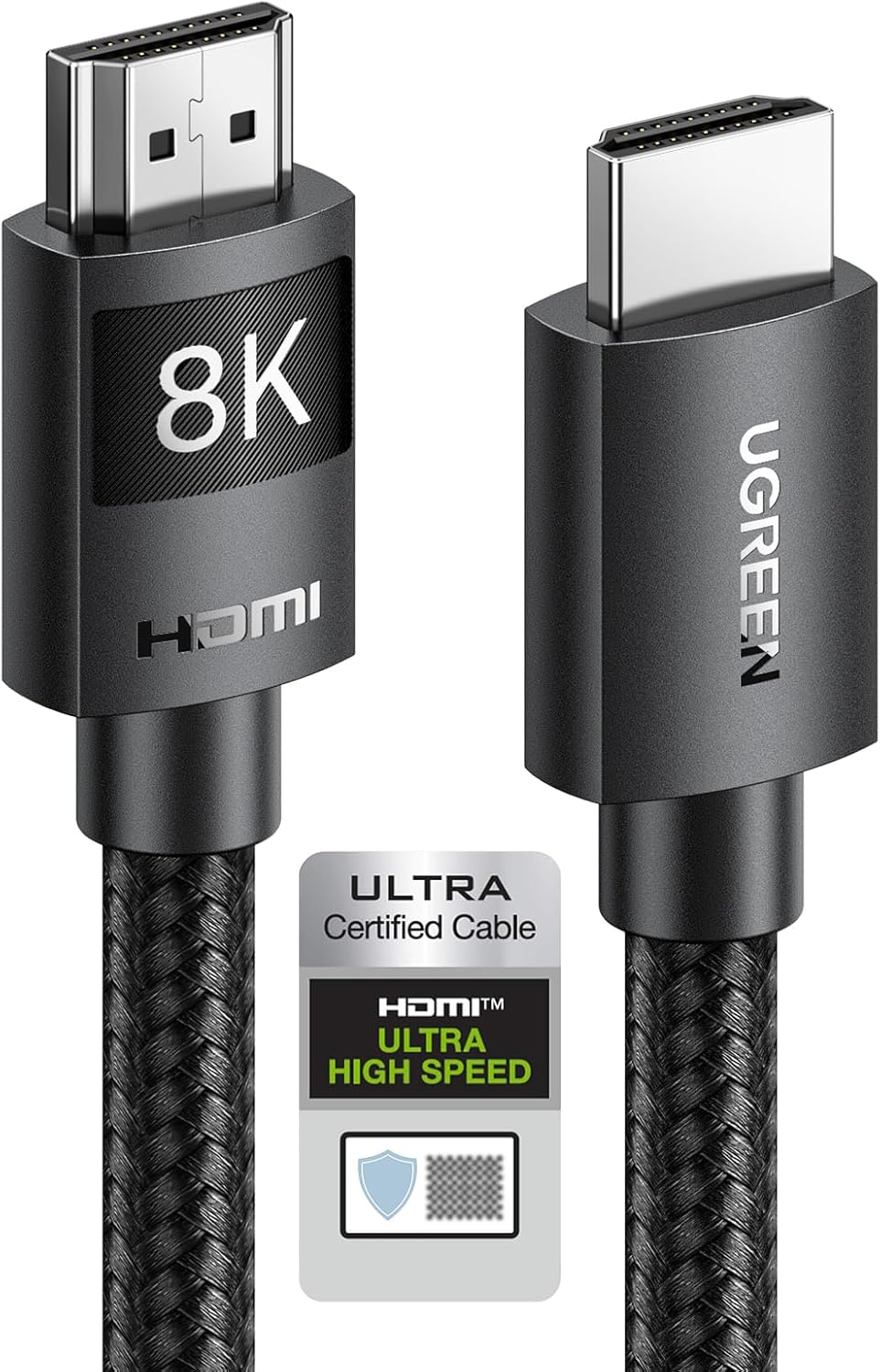
HDMI 2.1 — UGREEN certified cable. The pick carries the detail that matters most in this market: official HDMI certification, with the certification logo on the packaging — the thing to look for before buying this or any 2.1 cable, because the label "2.1" alone is cheap to print. It is rated at the full 48 Gbps with eARC, dynamic HDR and Dolby Atmos support, in a resistant braided sheath with a quality connector, and the UK listing line is sold certified in multiple lengths.
HDMI 2.0 — Nersligek braided cable. The budget slot: a well-built cable with a good braid and gold-plated aluminium connectors, which resist wear across years of plugging and unplugging — exactly where cheap cables die. Rated for 4K at 60 Hz with HDR, HDCP 2.2 and ARC, in one-metre and longer versions. One honest availability note: this specific cable does not currently show on Amazon UK, so treat its qualities — braid, plated connectors, certified rating — as the shopping checklist for the budget end.
Before you buy
Four questions. Does your television actually have a 2.1 port? That check decides everything. Is a screen or console upgrade coming? Then buy 2.1 once rather than 2.0 twice. Does a soundbar hang off the TV? eARC is the audio argument for 2.1. And how long is the run, honestly? — buy that length, well made, and no more.
The screens these cables feed live in our best TVs guide, and the eARC argument pairs with our best soundbars coverage.