Nobody sells outdoor security cameras on their real failure mode, so here it is first: the thing that triggers the alarm is almost never a burglar. It is next door's cat crossing the patio, children playing, a car in the distance — and with some motion sensors, wind moving branches is enough.
That single fact reshapes how you should buy and configure one.
The push-notification trap
Every outdoor camera pairs with a phone app that reports alarms by push, SMS or email, and the pitch writes itself: catch an intruder in the act from anywhere, call the police. In practice almost nobody leaves push notifications permanently on, because the constant pinging becomes intolerable. A surveillance camera therefore mostly works passively: after a break-in you review the last 24 hours of material, or — depending on model and plan — the last several days or weeks.
The workable configurations are narrower and more useful:
- Restrict alerts to genuinely meaningful areas, such as a sheltered front entrance.
- Schedule the camera so it is only active overnight.
- Split the field of view into zones — exclude the play area, keep the driveway monitored.
- Best of all, use object filters. The strongest systems distinguish people, animals and other movement, so only the category you care about raises an alarm.
What image quality really means here
Set expectations honestly: outdoor camera video matches neither a phone nor a camcorder, optical zoom is almost never present, and the closest comparison is a basic HD webcam in a laptop lid — relatively strong image noise, often overcooked contrast, distorted colours, and occasionally soft patches, especially on moving dome cameras. Manufacturers advertise HD and Full HD, but the resolution number promises more than it delivers.
Resolution is secondary as long as image quality holds up, because the job is not to make a flattering video of a burglar. It is to deliver a recognisable picture in every lighting condition — above all at night.
That is what the infrared illuminators are for, lighting the scene at a wavelength invisible to us: infrared in the 800 to 1,000 nm band records as black and white on any surveillance camera, and in daylight the camera simply swings its infrared filter out of the way. They are not entirely invisible, though — look straight into one at night and you will usually see red or blue dots, because camera IR emitters mostly work at 850 nm. Genuinely invisible 940 nm emitters exist, but their range is only half that of the 850 nm type — which is the trade-off behind that visible glow.
How motion detection actually works
The motion sensor is a passive infrared (PIR) sensor, reacting to movement combined with heat, so it continuously scans for living things by the warmth they emit. In front of the sensor, which measures roughly 4 mm by 5 mm, sits a lens array dividing the field into zones; each lens watches a defined patch and directs heat radiation onto the sensor, so a heat source moving between zones creates differing charge patterns and fires the alarm.
The alternative approach is continuous video comparison: record a stream and trigger when image content changes fast. It is the weaker method, generating far more false alarms from wind-blown trees, heavy snow or passing cars. Cameras with passive infrared sensors are the more reliable choice.
Storage is the decision that matters most
Almost every camera takes a memory card, and that is the easiest way to store recordings — and equally the easiest way to have them sabotaged. If a burglar spots the camera, they can take it, and the footage of the crime leaves with it. The rule follows directly: never store recordings only in the camera.
Cloud storage is the common alternative and better for resilience, since evidence survives even if the camera is destroyed. Read the terms carefully, though: many makers restrict the free tier to the point where only the paid plan is genuinely useful, and per-camera monthly fees mount up while storage capacity and retention stay capped. The numbers move around too — one major brand's basic tier was repriced while simultaneously extending cloud retention from 30 days to 180 days and raising the saved-video allowance from 20 to 50 clips; a mid-tier plan elsewhere buys 30 days and 30 GB. Free tiers, where they exist, typically hold 30 days.
The strongest options are your own network storage, an FTP upload, or a dedicated base station the cameras connect to. The base station carries a second advantage that is easy to miss: when cameras talk to a base rather than to your Wi-Fi, they keep recording even if the Wi-Fi fails or is jammed.
Apps: where cheap cameras give themselves away
Established makers — Logitech, Nest, Netgear, Netatmo, D-Link, Ring, Eufy and Reolink — have invested heavily in comfortable apps, and it shows. Budget makers split into two failure modes: those that overwhelm with functions and settings, and those that offer too few. Some dome cameras go further still, configured through PC or Mac software or raw browser IP access — powerful tools if you are running four or more cameras from a desktop, bewildering for everyone else.
Audio, briefly: nearly all models have a built-in microphone, some add speakers and can work as an intercom, but quality is satisfying at best and barely intelligible with background noise.
Before you mount it: neighbours and privacy
Position the camera to minimise coverage of neighbours' homes, gardens, shared areas and the street. Use privacy zones where available, tell affected neighbours what the camera records, and check current local rules plus any tenancy, lease or building permissions before installation.
The picks
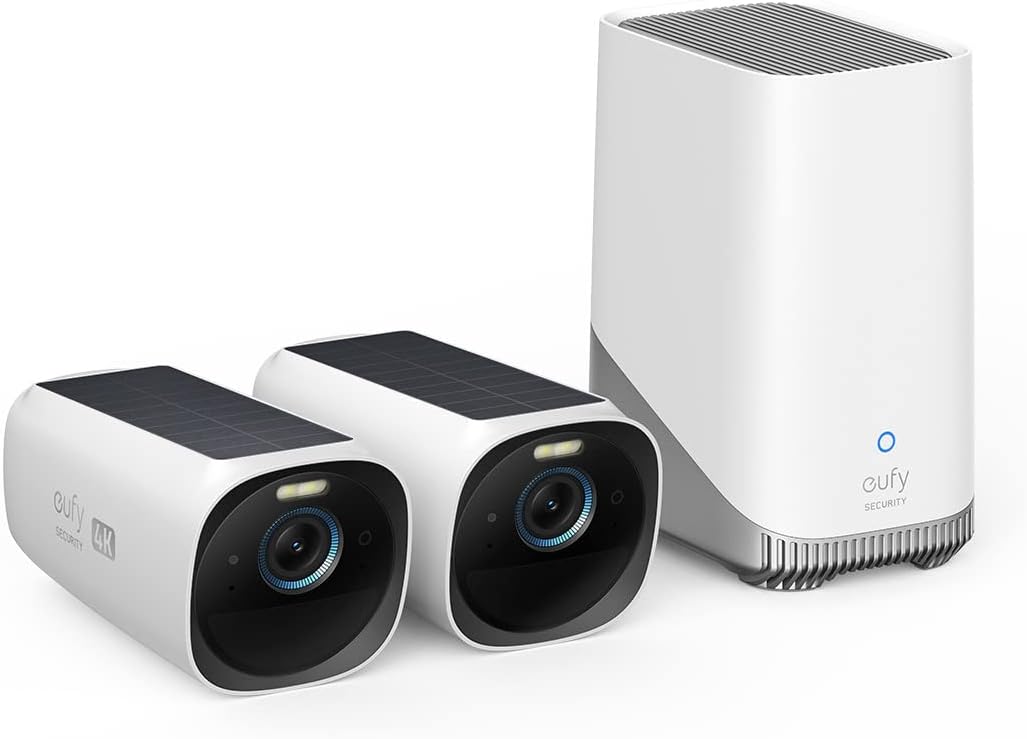
Best overall — eufy Security S330 (eufyCam 3). Reolink long dominated this category on image quality, but eufy has steadily overtaken it — helped by an exceptionally good app that, paired with the HomeBase 3, does far more than shuttle footage. In daylight there is nothing to criticise: a 135-degree diagonal field of view, and 8.3 MP producing a sharp picture with very natural colours. Night is the softer spot — the infrared light is tightly focused, lighting the centre well while the edges stay too dark, and the built-in illumination could be brighter — which is exactly where its smart routines earn their place by switching on garden lighting when motion is detected. Its other limitation is smart-home integration: only Google Assistant and Amazon Alexa are supported, and eufy's skills have been unreliable for some time — the camera can trigger an Alexa routine, but an Echo Show may refuse to display its feed. The UK listing is the 4K solar kit with integrated panel and face recognition.
Use the base station. This is a buying instruction rather than a preference: the HomeBase 3 takes an internal hard drive for near-unlimited storage, and it also does processing work for the cameras, enabling features otherwise unavailable. Buying the camera without it leaves capability on the table.
The step up — eufy Security S3 Pro. Better image quality again, at a considerably higher outlay. The UK listing pairs that with colour night vision — directly addressing the S330's weakest area — in a 4K solar design.
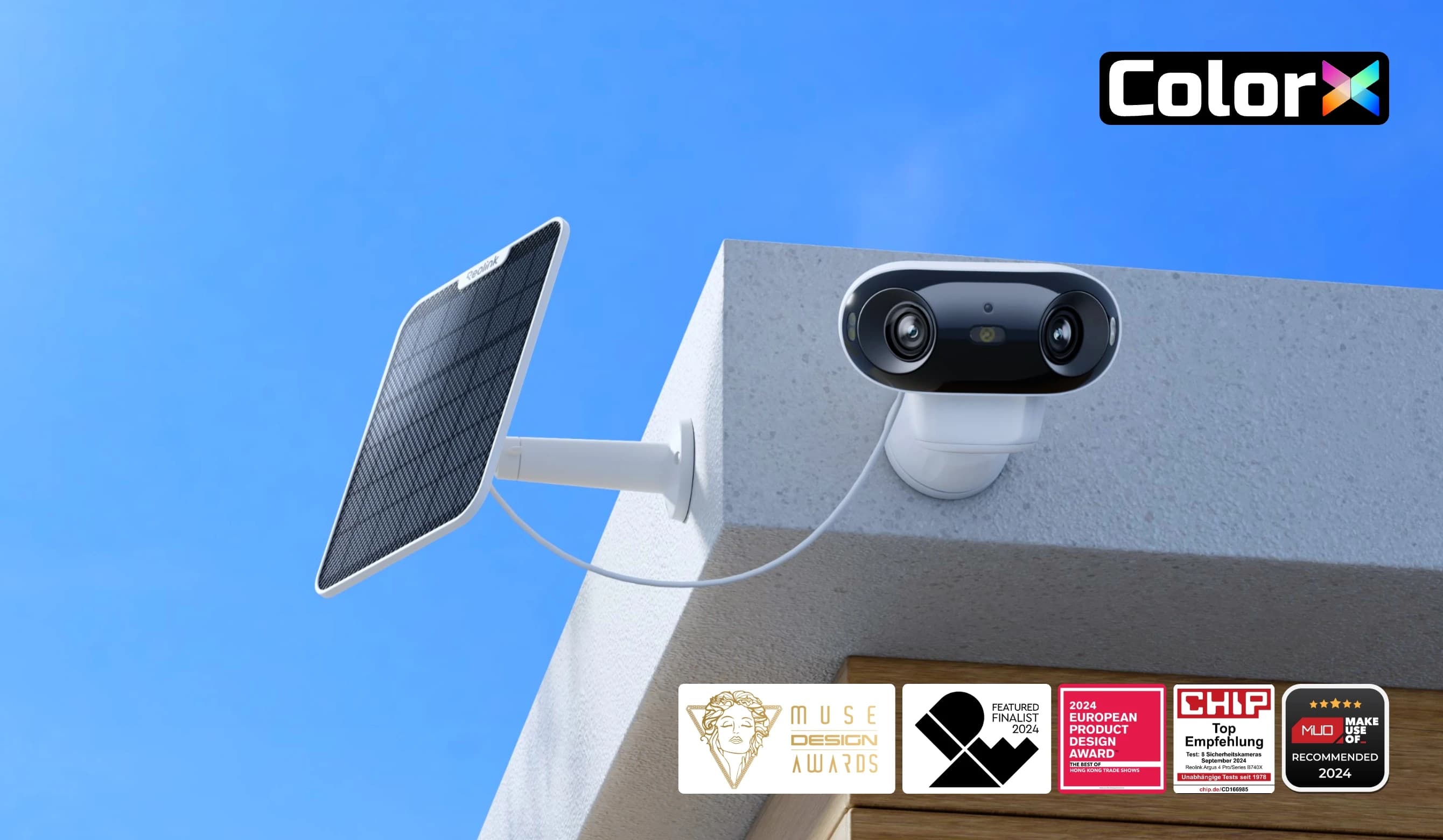
The alternatives. The tested field also recommends the Arlo Go 2, which earned its place on 3G connectivity for sites without Wi-Fi; the Baseus Security X1 Pro, whose double-pivoting head gives a large field of view and lets it see round corners; and the Reolink Lumus, the former overall winner and now the value pick, which still delivers the best images in the field. Two cautions from the same testing: some cameras in this class need an extra 12 V power supply, and one otherwise strong 8 MP model cannot distinguish animals from people — the filter that makes alerts usable.
Before you buy
Four questions. Will you actually leave alerts on? If not, object filters and zones are the features to buy, not megapixels. Where does the footage live? Card-only storage walks away with the camera. PIR or video-comparison detection? PIR is the reliable one. And have you set the privacy zones? — doing that at installation is easier than re-aiming the camera later.
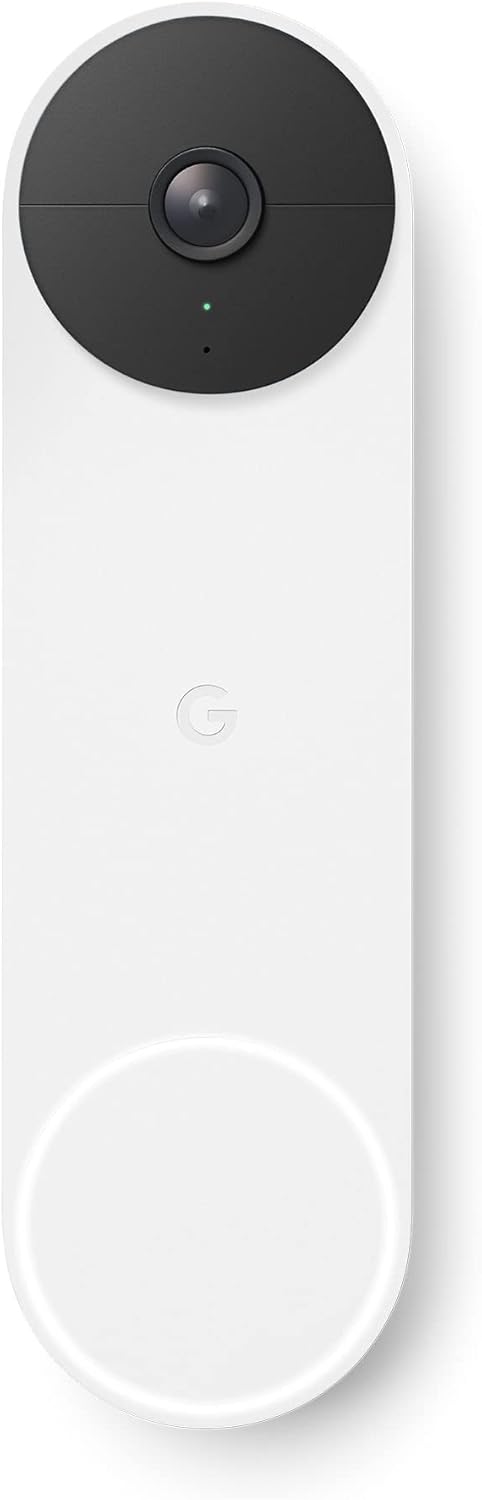
Our best video doorbells guide covers the front door specifically, and our best smart plugs guide the wider smart home.